
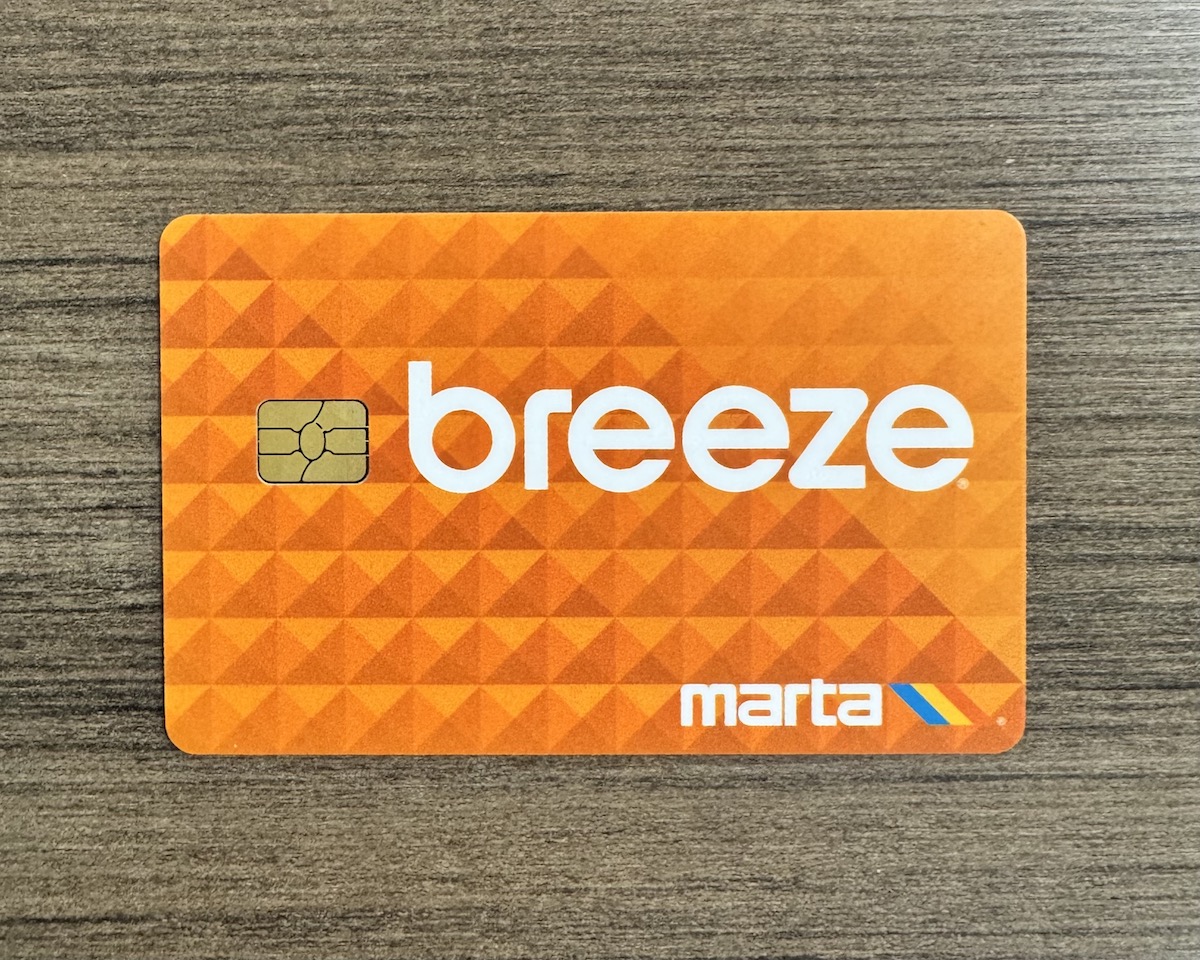
Public transit in Atlanta just got EVEN easier. Your Breeze card is now available in your digital Apple Wallet.

–
Staff Writer
·
May 27, 2026
Big news for Atlantans! Your MARTA Breeze card is now available in your Apple Wallet, making public transit even easier & more accessible. Keep scrolling to learn how you can add your Breeze card to your Apple Wallet.
How do I add my Breeze card to my Apple Wallet?
Adding a Breeze card to an iPhone:
Open Apple Wallet on your iPhone.
Tap the plus sign (+).
Tap Transit Card to get started.
Adding a Breeze card to an Apple Watch:
Open Apple Wallet on your Apple Watch.
Tap Add Card to get started.
Why should I add my Breeze card to my Apple Wallet?
 Shutterstock
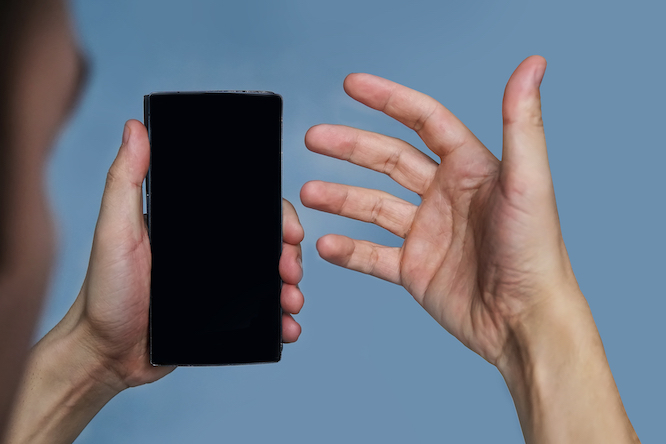
Having your Breeze Card in your Apple Wallet will allow for an easy and convenient commuting experience with iPhone or Apple Watch.
When customers have Express Mode enabled, they can simply hold their iPhone or Apple Watch near a reader to ride transit in Atlanta without having to unlock or wake up their device.
What if I don’t have a Breeze card?
 MARTA
MARTA
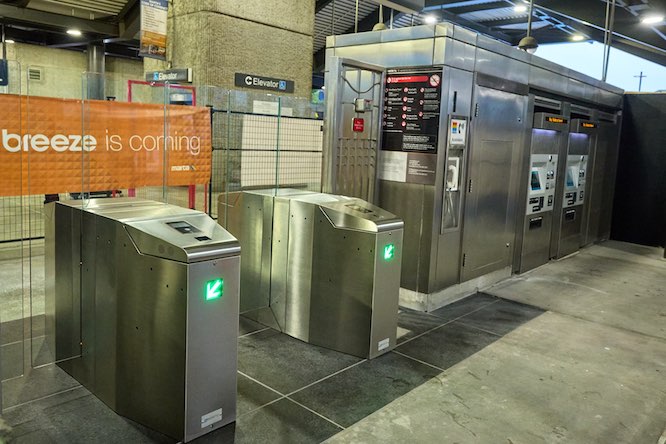
Don’t sweat it! With the new Better Breeze system, customers without a Breeze Card in Apple Wallet can additionally pay to ride transit seamlessly with Apple Pay.
Don’t waste time digging around in your bag for your MARTA Breeze card! Just swipe your phone or Apple Watch and go with this update!