
Disney has updated a few key areas of Disney World’s My Disney Experience app to improve functionality, including renaming and separating some key sections guests use frequently.
My Plans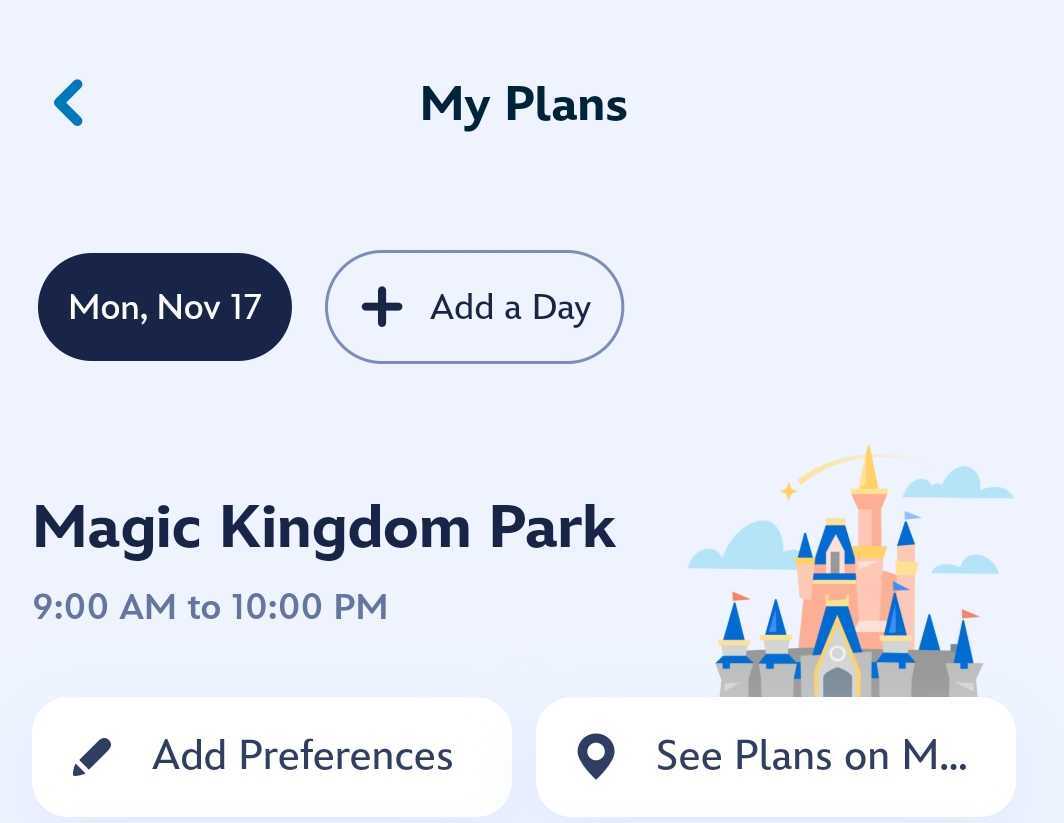
“My Day” and “Future Plans” have been combined and changed to “My Plans.” It allow users to select different dates to view their plans for that particular date. Simply select the date at the top of the screen that you’d like to view. And all your plans, including your resort and dining reservations, will pop up. If you have any Lightning Lanes purchased or park reservations made, they will also appear here.
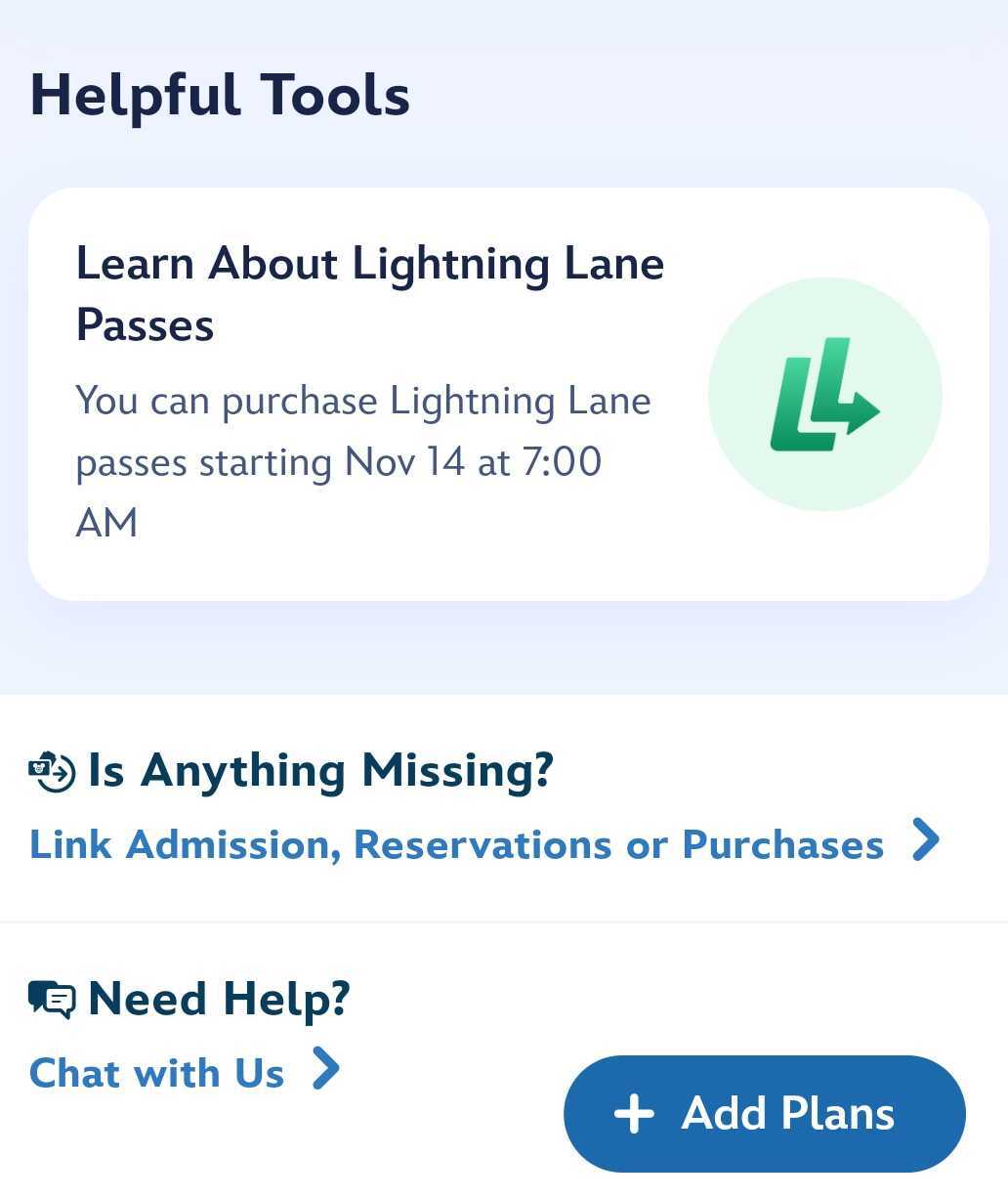
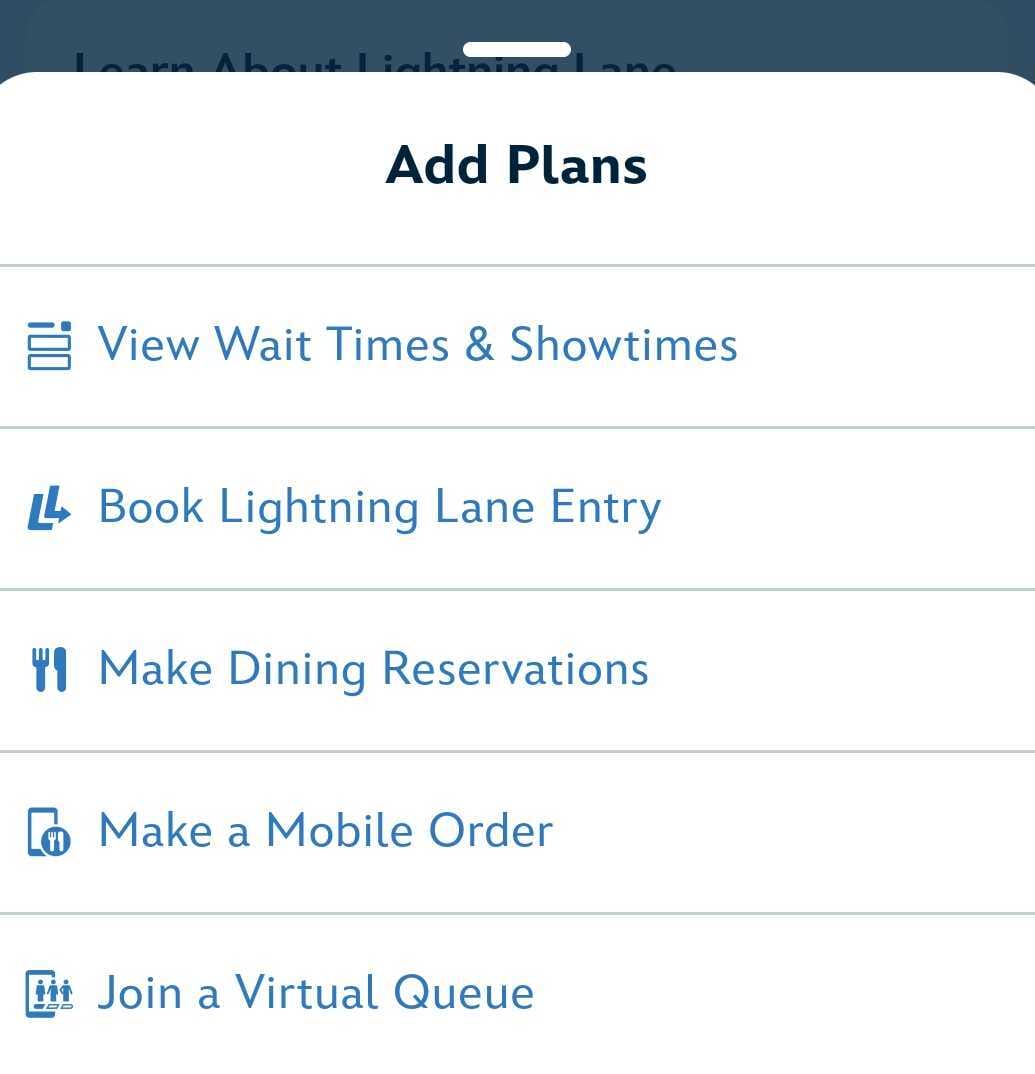
You can also select “Add Plans” to book Lightning Lanes, make dining reservations, mobile order, and view wait times or showtimes.
This change makes it easier for guests to quickly and easily view more information in a condensed area.
Tip Board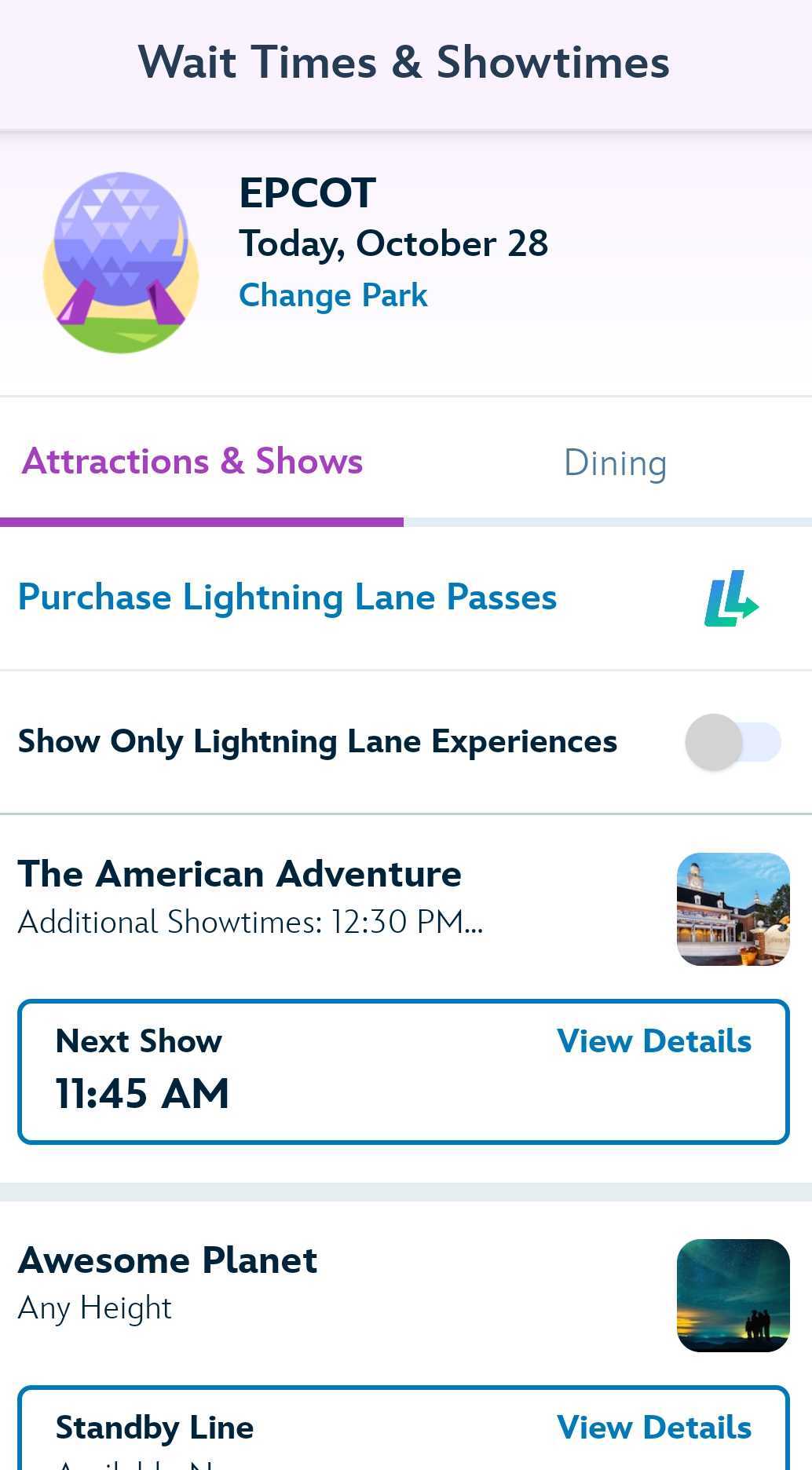
“Tip Board” on My Disney Experience has also been renamed and removed from “My Plans.” It is now called “Wait Times & Showtimes” and resides separately from “My Plans.”
Users used to be able to toggle between “Tip Board” and “My Day” to view those wait times and showtimes. Now, you’ll simply click the “Wait Times & Showtimes” in the main menu to see those on their own dedicated page.
Do you like these changes? Let us know in the comments and on social media.
For the latest Disney Parks news and info, follow WDW News Today on Twitter, Facebook, and Instagram.