
Joe Maring / Android Authority
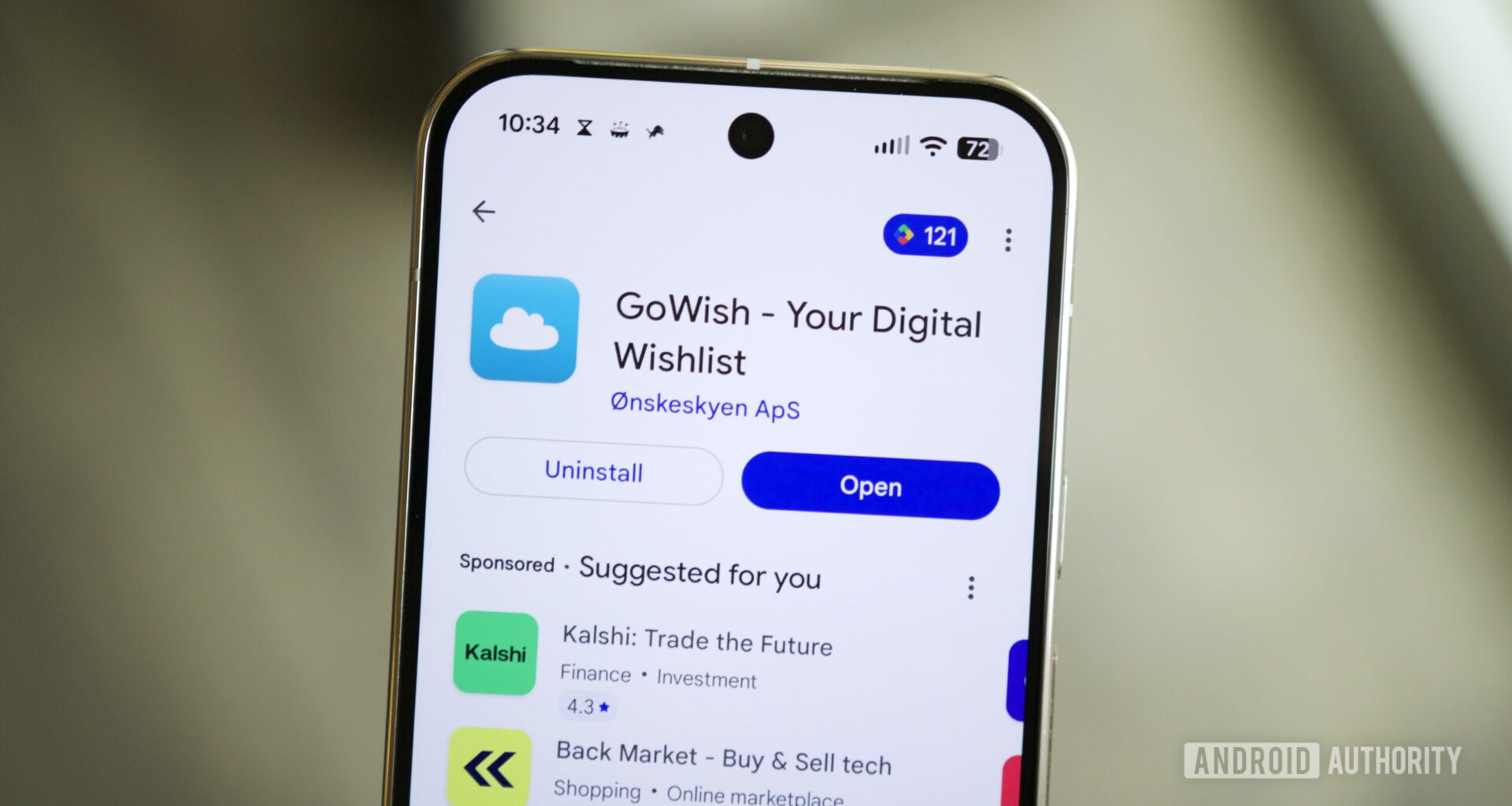
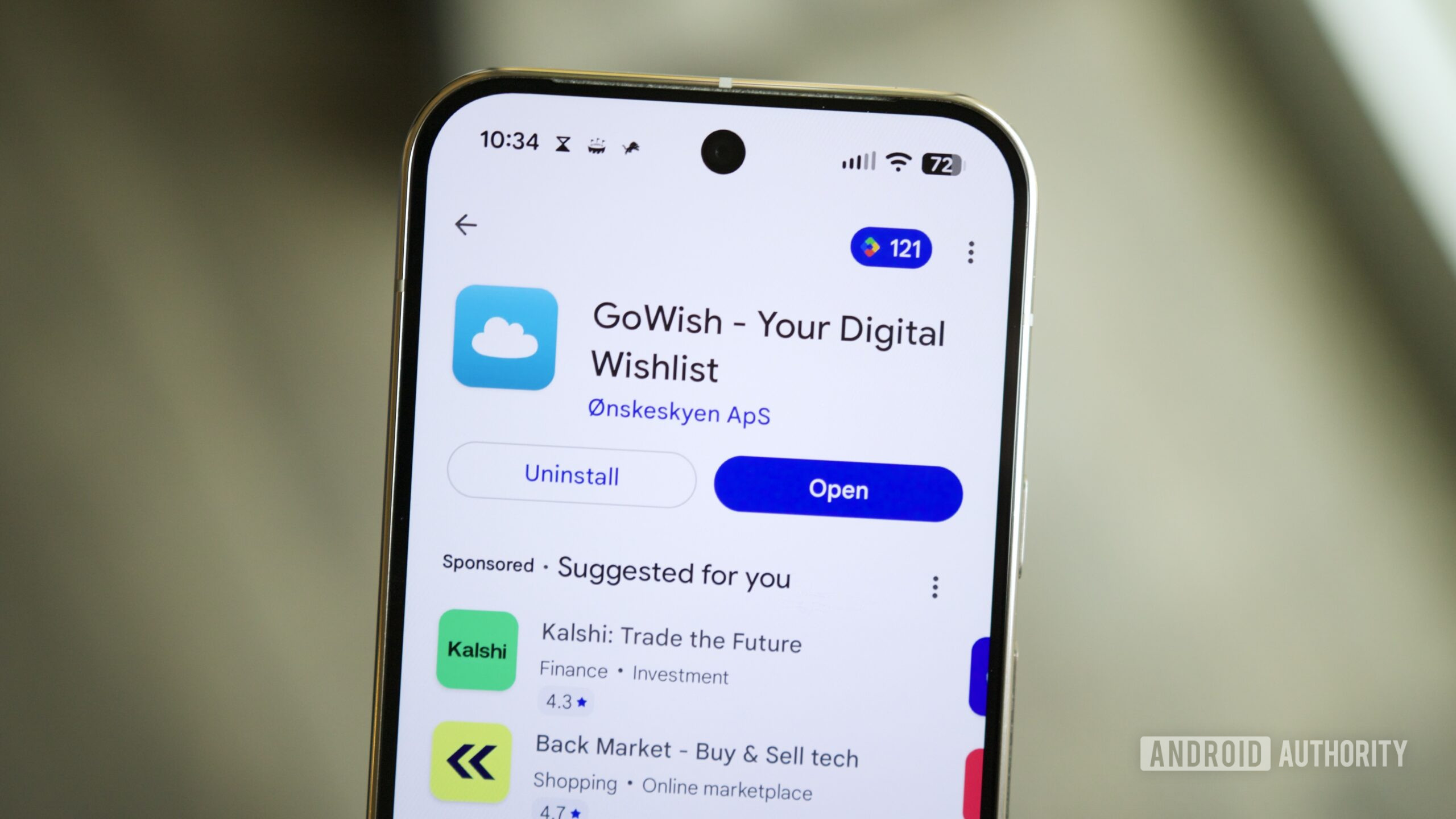
With the holiday shopping season right around the corner, it’s time to start thinking about your holiday wishlists — whether you’re making a list for yourself, you and your partner, or for your kids. And this year, a lot of people are creating those lists on a viral app called “GoWish.”
GoWish is a free app for creating personal and collaborative shopping wishlists, and it has exploded in popularity this year. It took the #1 spot in the App Store earlier this week and is currently among the top ten free apps on the Play Store with over one million downloads.
But before you rush out and download GoWish just because everyone else is doing so, stop and ask yourself this. Is GoWish safe? Should you download it? Is it worth using? Here’s what I found after trying GoWish for myself.
Have you used GoWish?
13 votes
Yes, and I love it!
23%
Yes, but I don’t like it.
0%
No, but I’m going to now.
23%
No, and I don’t plan to.
54%
Is GoWish safe? Is it a scam?

Joe Maring / Android Authority
If you’re worried that GoWish is a scam or anything of the sort, let’s address that right off the bat. No, GoWish isn’t that kind of app.
GoWish was initially released in 2015 by PostNord, the government-run postal service in Sweden and Denmark. The app originally went by the name of Ønskeskyen (“wish cloud” in Danish) and still does in Denmark and Norway. In 2020, GoWish was acquired by Dotcom Capital, a privately owned investment company based in Denmark, from PostNord.
This is to say that GoWish isn’t some scammy piece of software from a completely unknown brand. You don’t have to worry about your phone getting a virus or your information being leaked to the dark web when you download GoWish. It’s a legitimate application.
GoWish is a legitimate application.
Having played with the GoWish app myself, my hands-on experience largely lines up with the company’s background in that there’s nothing immediately alarming about it.
Upon downloading GoWish, you’re asked to create an account by signing up with your email address or logging in with your Facebook, Google, or Apple account. GoWish then asks you to enter your date of birth and gender, along with a checkbox that requests your consent for GoWish to send you marketing newsletters. The app makes it look like you need to check this to create your account, but you can leave it unchecked and use the app like normal.
Joe Maring / Android Authority
GoWish also requests a few system permissions, although it’s nothing nefarious. If you want the app to send you notifications, for example, you’ll need to grant it notification access. GoWish also asks for camera/microphone permissions, but it only uses these if you’re adding something to a wishlist and want to take a picture of it. The app may also request access to your contacts, which ties into GoWish’s social aspect of sharing your wishlist with other users.
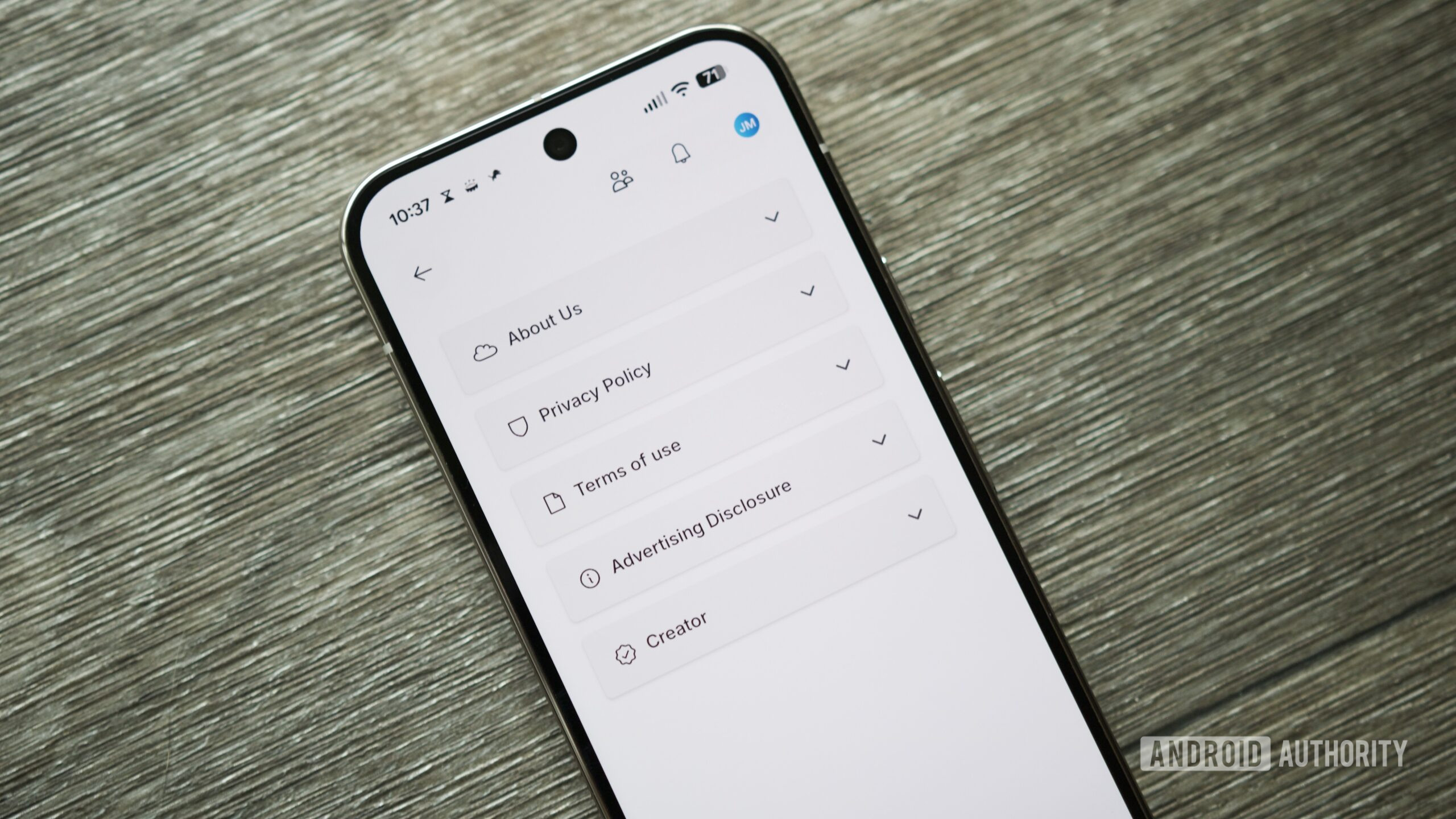
Finally, if you want to really dig into GoWish, you can view its privacy policy, terms of use, and advertising disclosure right in the app. To find all of these, open GoWish, tap your profile icon at the top right, and tap About.
Should you download GoWish?
GoWish is a safe app to download. If you’re curious about using it on your Android phone, there’s no real harm in giving it a shot. But should you use it?
That really depends on what you’re hoping to get out of GoWish. If you want to send a personal wishlist of yours to a friend, partner, or family member, it’s just as easy (if not easier) to make a wishlist on Google Keep or any other notetaking app and share it that way. You don’t really need a dedicated wishlist app for that sort of thing.
However, there are some aspects of GoWish that you may find helpful, particularly if you’re sharing a wishlist with a lot of people. If someone buys a gift from your GoWish list, other people you’ve shared the list with will see that, ensuring you don’t get any duplicate gifts. On the flip side, you don’t see this information, so you won’t be spoiled about which items have been picked from your wishlist. That side of GoWish is legitimately cool.
Joe Maring / Android Authority
After using GoWish over the last couple of days, the app works as intended. It runs a bit slowly on my Pixel 10 Pro and is a little rough around the edges with animations and touch responsiveness, but I haven’t experienced any crashes or more significant issues.
I’m not sure GoWish is for me, but if the app sounds like it could help with your holiday shopping planning, it’s certainly worth trying. So long as you don’t mind making another account for another app, there’s no harm in taking GoWish for a spin and seeing if it’s right for you.
Thank you for being part of our community. Read our Comment Policy before posting.