
By Deryck Burnett
Have you ever sat down at a restaurant, seen a QR code on the menu, and thought, “I need to download one of those QR scanner apps again”? You’re not alone. For years, that was the advice — if you wanted to read a QR code, you needed a special app.
But here’s the secret: you don’t need those apps anymore. In fact, if you’ve bought a new phone in the last few years, you already have a QR code reader built right in.
Your Camera is the QR Reader
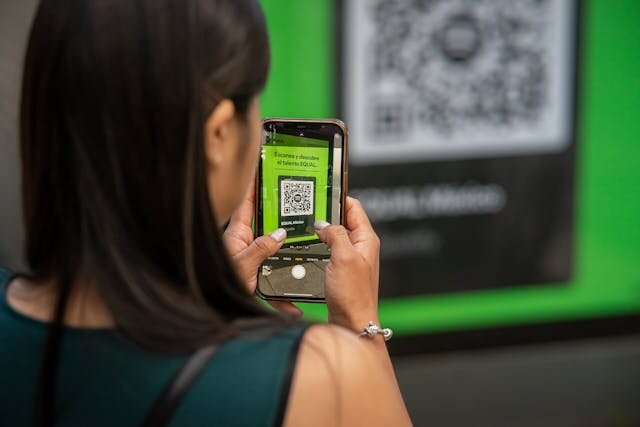
Whether you’re carrying an iPhone or an Android, the stock camera app now does the heavy lifting. Just point your camera at the QR code, hold it steady, and a link will pop up on your screen. Tap the notification, and you’re where you need to be — a menu, a website, even a payment page.
Why Skip the Apps?
Not only does using your camera save you the hassle of downloading yet another app, but it also protects you from unnecessary ads and permissions that often come bundled with free QR scanners. Some third-party apps even raise security concerns. With the built-in camera, you get speed and safety, no extras required.
A Quick Tip for Each Phone
For iPhone users: If your device is running iOS 11 or later, the Camera app automatically recognizes QR codes. No settings to change — it just works.
For Android users: Most modern Android phones include QR scanning in the Camera app. If you don’t see a pop-up, open your Camera settings and make sure “Scan QR codes” is switched on.
The Takeaway
Next time you’re handed a menu with a QR code or spot one on a flyer, skip the app store. Your phone’s camera has you covered. Sometimes, the smartest solution is the simplest one.