
AirTags utilize Bluetooth signals to connect with Apple’s Find My network for efficient item tracking.They are especially practical for tracking luggage and ensuring the safety of small children during travel.Setting up AirTags is straightforward, allowing travelers to track multiple items using the Find My app.
Ever since Apple introduced the AirTag in 2021, the tiny device has had a major impact on the lives of travelers. AirTags are designed as trackers—pop one into your suitcase or loop it on your keys, and you can use your iPhone or iPad to monitor the location of the item it is attached to.
That tracking can certainly come in handy during a trip, especially for those seeking extra peace of mind. Susan Whitson is a Travel + Leisure A-List travel advisor specializing in high-security trips, and she says that at her company, Susan Whitson Travel, “We recommend using Apple AirTags for two purposes”: tracking checked luggage and keeping tabs on one’s kids.
But those aren’t the only practical applications for AirTags. For more ideas about how to use this innovative device, plus a primer on exactly how it actually works, keep reading. This guide will teach you everything you need to know about AirTags—and have you ready to wield these travel aids to their fullest potential on your next trip.
What is an AirTag?
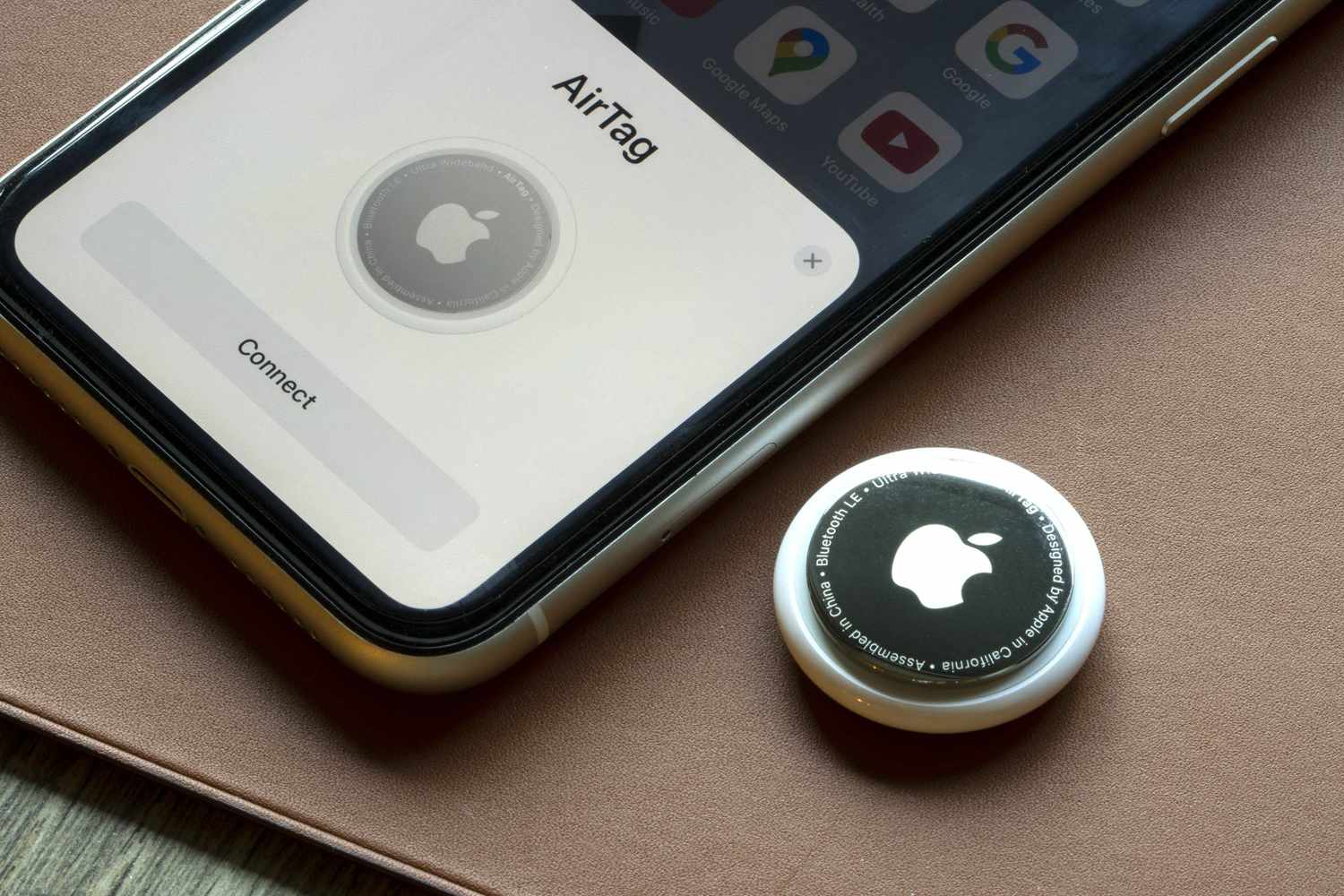
Apple AirTags are small discs, typically measuring a little over an inch in diameter, that are used for tracking an item’s location. Simply place one in your handbag or suitcase—or attach it to a small item, such as keys—and you’ll be able to keep tabs on where it is by checking the Find My app on your iPhone or iPad. (Note, however, that these devices aren’t compatible with Android devices.)
As of January 2026, AirTags cost $29 apiece (a four-pack is also available for $99) when purchased directly from the Apple website. You can also find them at a variety of retailers, including Amazon and Best Buy, plus options for AirTag holders, keychains, and accessories.
How AirTags Work
Getting an AirTag set up and ready to go is easy. When you unwrap a new AirTag, you’ll see a disposable tab sticking out of it. Simply pull that out to activate the device. From there, place the AirTag near any iPhone or iPad, and a message should pop up on your screen prompting you to pair it with your device’s Apple ID. Follow the (brief) instructions for the pairing, and you’ll be all set—it will now be a trackable device in your Find My app.
Courtesy of Apple
When you’ve attached the AirTag to your item of choice and are ready to track its location, just check in with your Find My app. There, you’ll be able to see its current or last-known location and engage various other functions, like setting up “Lost Item” mode or prompting the AirTag to make a sound. You can track multiple AirTags through a single Apple account if, for instance, you want to keep tabs on your suitcase as well as your handbag. You can also share one AirTag’s data with multiple people, in case you and a family member want to track the same shared item.
But how does all of this work? Well, unlike what you may typically think of when it comes to tracking devices, AirTags don’t rely on GPS. Rather, they emit a Bluetooth signal that’s detected by nearby Apple devices using the Find My network. So, as your bag is handled by an airport worker or a hotel porter, the iPhone in their pocket notices that your AirTag is nearby and sends its location automatically to iCloud. Find My picks it up from there and translates the location to a map on your screen. The process is end-to-end encrypted and anonymous, so don’t worry—no one will see your AirTag’s location unless you share it.
Ways to Use AirTags for Travel
Perhaps the most popular way to use AirTags while traveling is to track checked luggage. Slipping an AirTag into your suitcase can help you trace your bag’s progress through the airport, “usually better than the airline’s luggage tracking system” does, according to Whitson. While they are especially handy if your bag gets lost, these devices can also help nervous flyers keep an eye on things while navigating a flight with multiple stops or waiting for bags at a slow-moving baggage claim.
Passengers with only carry-on luggage may not necessarily need an AirTag to know where their bags are. That said, as a devoted carry-on-only traveler myself, I still find it useful to travel with a tag or two.
Having an AirTag on hand can end up saving the day when your carry-on luggage has to be gate-checked. It can also provide extra security in situations where your baggage storage options feel less than ideal. Last year, for example, I had a free day in Boston between a morning train arrival and a late-night flight. Before AirTags, I might have spent the day posted up in any cafe that would let me bring my suitcase in. With a tag handy, though, I dropped my bag in a storage locker and went about my business, while checking Find My as often as I wanted to make sure it hadn’t moved an inch without me. This kind of reassurance is a game-changer for moments when you need to store a bag somewhere unusual, whether you’re killing time after an Airbnb checkout or escaping an airport during a long layover.
Courtesy of Apple
Of course, it’s not only luggage that you can track with an AirTag. Keeping one on your keyring is a great way to find your house keys after a vacation where you’ve ignored them for the week, especially since AirTags can be prompted to make noise. They can also help you keep track of anything you tend to misplace when you travel—no more wondering where your Kindle went after you accidentally left it at the breakfast buffet.
Finally, as Whitson notes, AirTags can be a huge security aid for families traveling with small children. Placing a tag on your child’s person means you can instantly track them if they somehow get separated from you—or if they’re safely taken care of at your hotel’s kids club, but you still want an extra dose of parental peace of mind. “Before traveling, stitch an Apple AirTag in the tongue of a child’s sneaker,” Whitson suggests. That’s an ideal way to keep kiddos on your radar without making them hold a device in their hand or pocket where it could easily get lost.