

If you’ve ever opened a long report, contract or legal notice and felt slightly overwhelmed about not having the time to read through it or even having AI summarize it but missing important information, this hack is for you.. Reading everything carefully isn’t the hard part. Understanding what actually matters is.
We’re drowning in documents — contracts, PDFs, medical paperwork, workplace policies, HOA notices, insurance updates and endless school emails. I have every intention of reading through everything I am supposed to, but when time is of the essence, it’s not always easy.
That’s why I created what I call, the “reverse brief” prompt — a simple AI instruction that flips dense writing into a clear, actionable summary in seconds. This is not a summary. Because I can’t afford to miss anything, this prompt is not about summarizing what’s there, it’s about understanding the content and how it relates to me.
Here’s the prompt I use almost daily in both my personal and professional life.
You may like
What is the reverse brief prompt?

(Image credit: Pixabay)
Most people ask AI to “summarize” a document, which is fine in a pinch, but AI almost always leaves out important information when prompted to do that. Summaries often stay too high-level.
The “reverse brief” prompt goes further by telling AI to identify the purpose, explain what matters most (not just state it), highlight risks or deadlines and clarify what needs to be done next.
So, instad of of shortening the document, it translates it into a decision-ready briefing. I like to think of it as having a personalized lawyer, project manager or executive assistant explaining the document to me. Of course, AI is not a replacement for those people, but it’s a good starting point.
The reverse brief prompt: “Create a reverse brief of this document. Explain the purpose in plain language, list the most important points, identify any risks, deadlines or obligations, and summarize what actions I need to take.”
This prompt works with any AI from Perplexity and ChatGPT to Claude, Gemini and others.
Why it works better than a normal summary
(Image credit: Future)
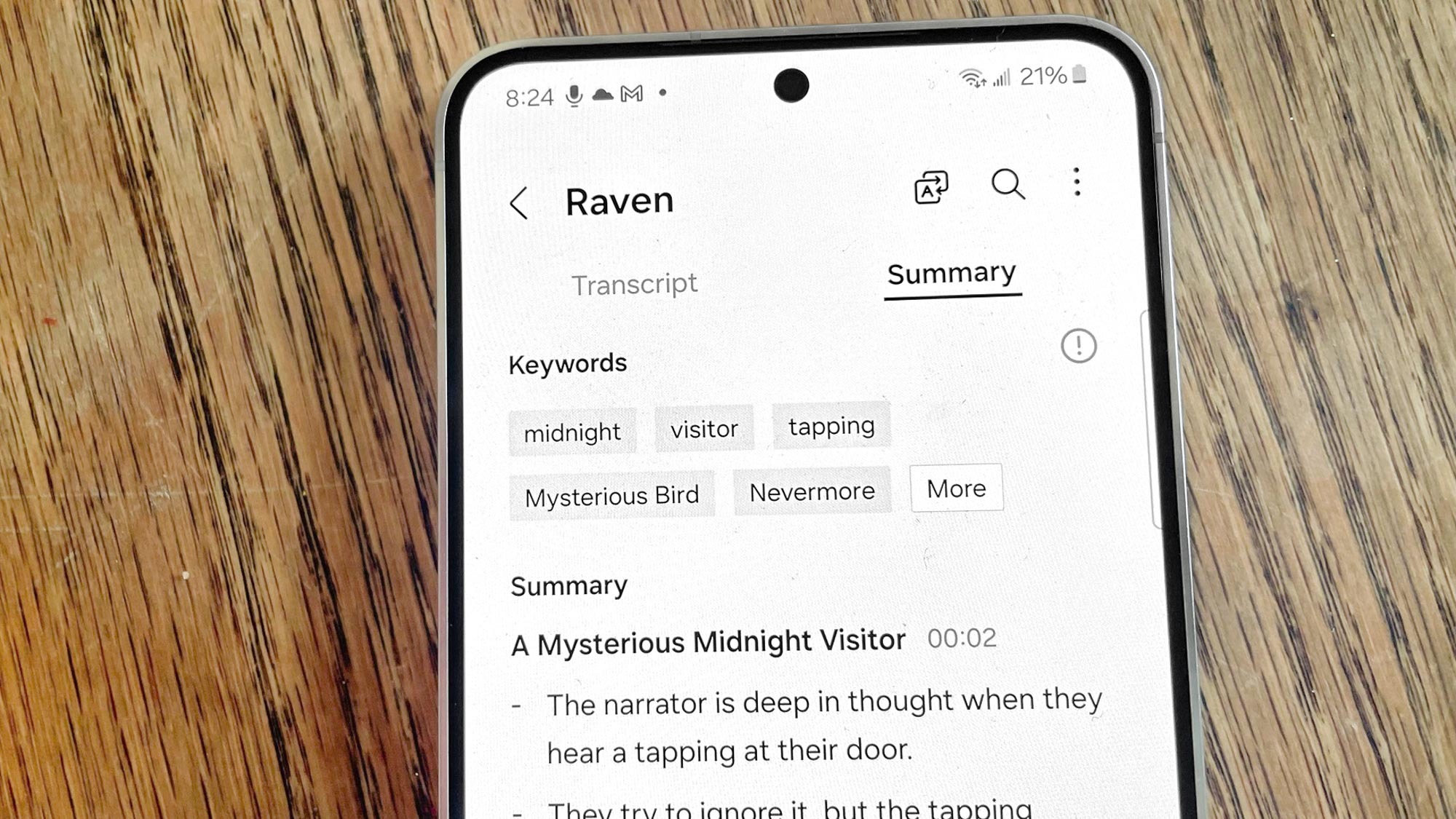
A standard summary tells you what the document says. This isn’t enough for me. The reverse brief tells you what the document means for you. If you have the memory feature turned on, that helps the AI elaborate specifically for you, too.
Because that distinction saves time and prevents costly misunderstandings. Now, instead of rereading paragraphs to interpret intent, you’ll get priorities, context, consequences and next steps.
I’ve tested it across everyday paperwork and professional documents. It shines with legal and finanical documents (great if you’re making a big purchase like a house or switching insurance policies), school paperwork (I use it for my daughter’s IEP updates and district policy changes), workplace and HR documents (benefits changes, onboarding materials) or medical paperwork like treatment summaries or billing explanations.
In other words, if a document feels dense or intimidating, this prompt helps get to the heart of what you need.
You may like
How to get the best results

(Image credit: Future)
For even better output, add one line: “Assume I am not familiar with legal or technical language.”
Depending on the topic, I’ll even ask AI to explain anything confusion or even to over-explain anything that could be easily misunderstood. If I’m using the information for a meeting, I’ll also add, “What questions should I ask?”
Bottom line
There are many ways that AI is helpful, but summarizing isn’t always one of them. That’s why I’ve created several prompts for this very use. What we need is clarity, and this particular prompt, the “reverse brief” prompt, transforms overwhelming documents into clear decisions you can act on right away.
Let me know in the comments if you try it. I’d love to know how it works for you and what type of documents you utiilize this prompt.
Follow Tom’s Guide on Google News and add us as a preferred source to get our up-to-date news, analysis, and reviews in your feeds.
More from Tom’s Guide