
SammyGuru has affiliate and sponsored partnerships, we may earn a commission.
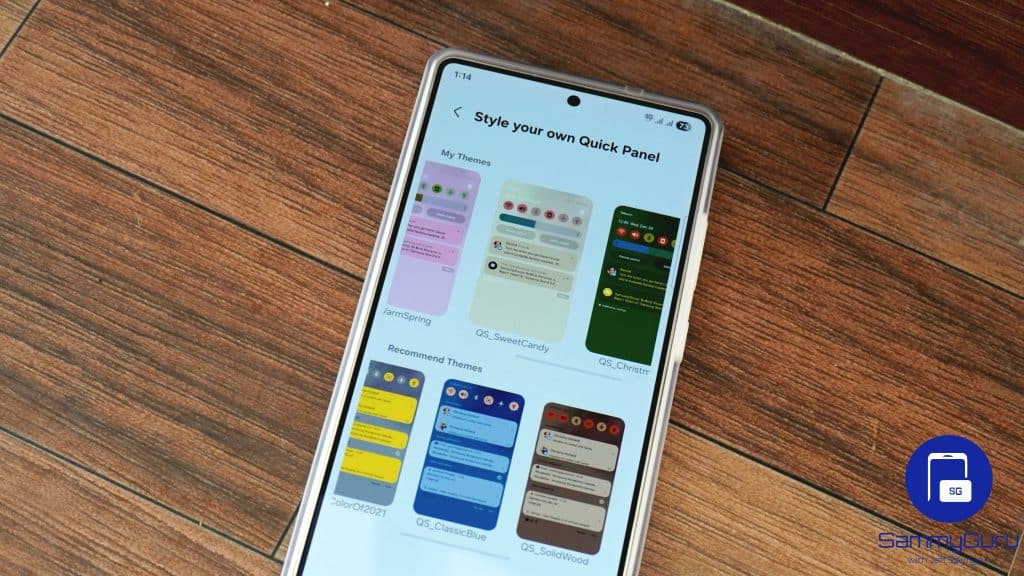
The long-awaited One UI 8.5 update for Good Lock’s QuickStar module is finally rolling out. The latest version takes quick panel customization to the next level with new options. Samsung now offers more flexible and deeper layout control, allowing users to reshape how the quick panel looks and behaves rather than just hiding icons or rearranging toggles.
QuickStar’s One UI 8.5 update takes quick panel customization to the next level
Samsung is rolling out QuickStar version 10.0.04.26 for Galaxy devices on One UI 8.5 (beta and stable). This update brings the ability to set custom icons and backgrounds for quick panel buttons and boxes. You can set different backgrounds for the main button grid, brightness bar, volume bar, and media player. Likewise, you can personalize each button with your custom image.
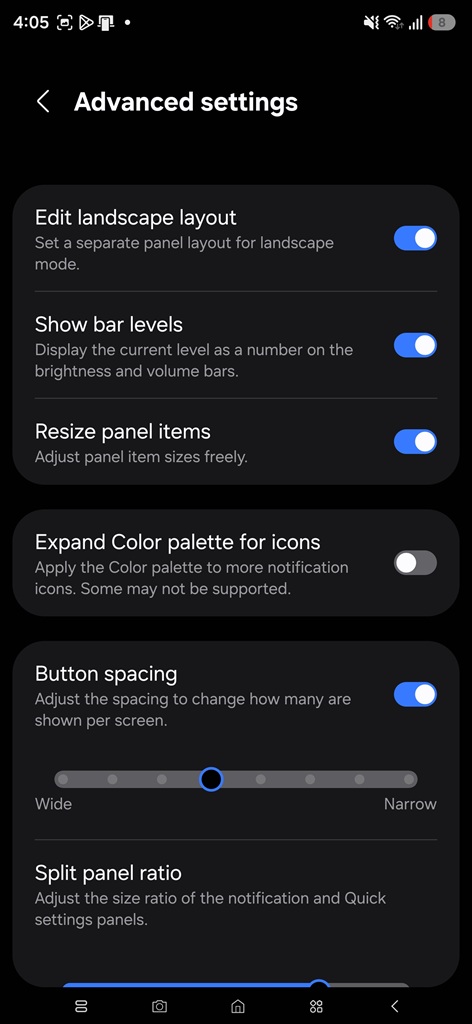
Additionally, QuickStar now lets you separately customize the quick panel layout for landscape mode. Earlier, you could only edit the quick panel in portrait mode, with the panel automatically adjusting itself when switched to landscape orientation. This new addition gives users more flexibility.
QuickStar’s latest update also lets you freely resize Quick Panel items, with no grid or size restrictions holding you back. It’s the level of control Galaxy users have been asking for, and Samsung has now delivered. Last but not least, the volume and brightness sliders can display their current levels numerically. This is an optional feature you can toggle on or off if you prefer a cleaner, simpler look.
While most of the update focuses on customization, Samsung’s official release notes also mention stability improvements and bug fixes. These may not be immediately visible, but they contribute to a smoother and more reliable quick panel experience overall. The new version of QuickStar should be available for all Galaxy users on One UI 8.5 in the coming days. Those on older One UI builds must wait for the new release.