
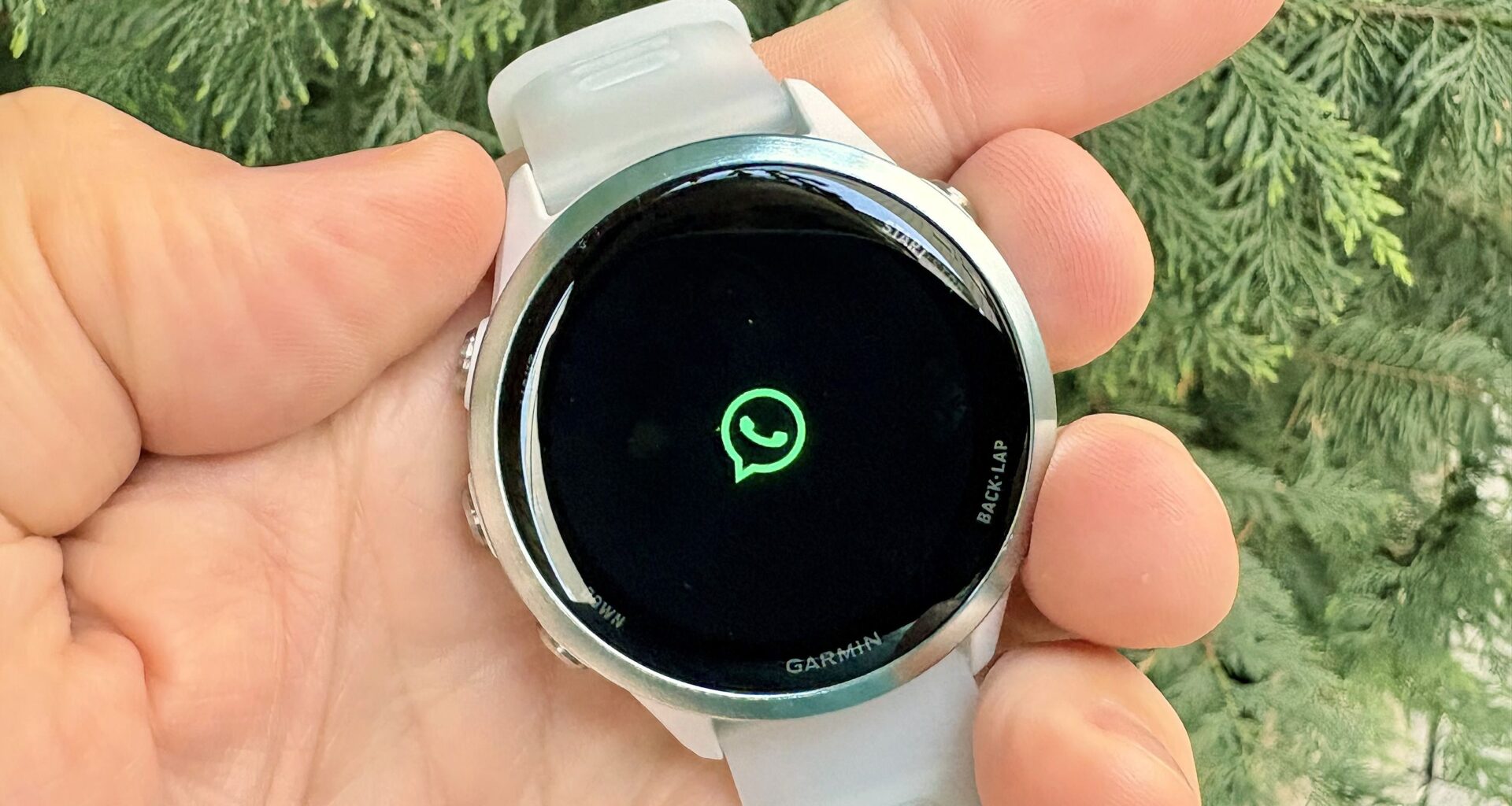
Your Garmin watch may have a new trick up its sleeve. While pretty much every current Garmin watch supports mirrored messages and notifications from your smartphone, the ability to actually reply to messages is quite limited.
Some Garmin models support message replies if paired with an Android phone, but iPhone users are entirely out of luck. That is, until now: Garmin just added WhatsApp integration with message replies to an enormous number of devices.
Here’s everything you need to know about Garmin smartwatch WhatsApp support.
Article continues below
You may like
WhatsApp-compatible Garmin models
(Image credit: Dan Bracaglia/Tom’s Guide)
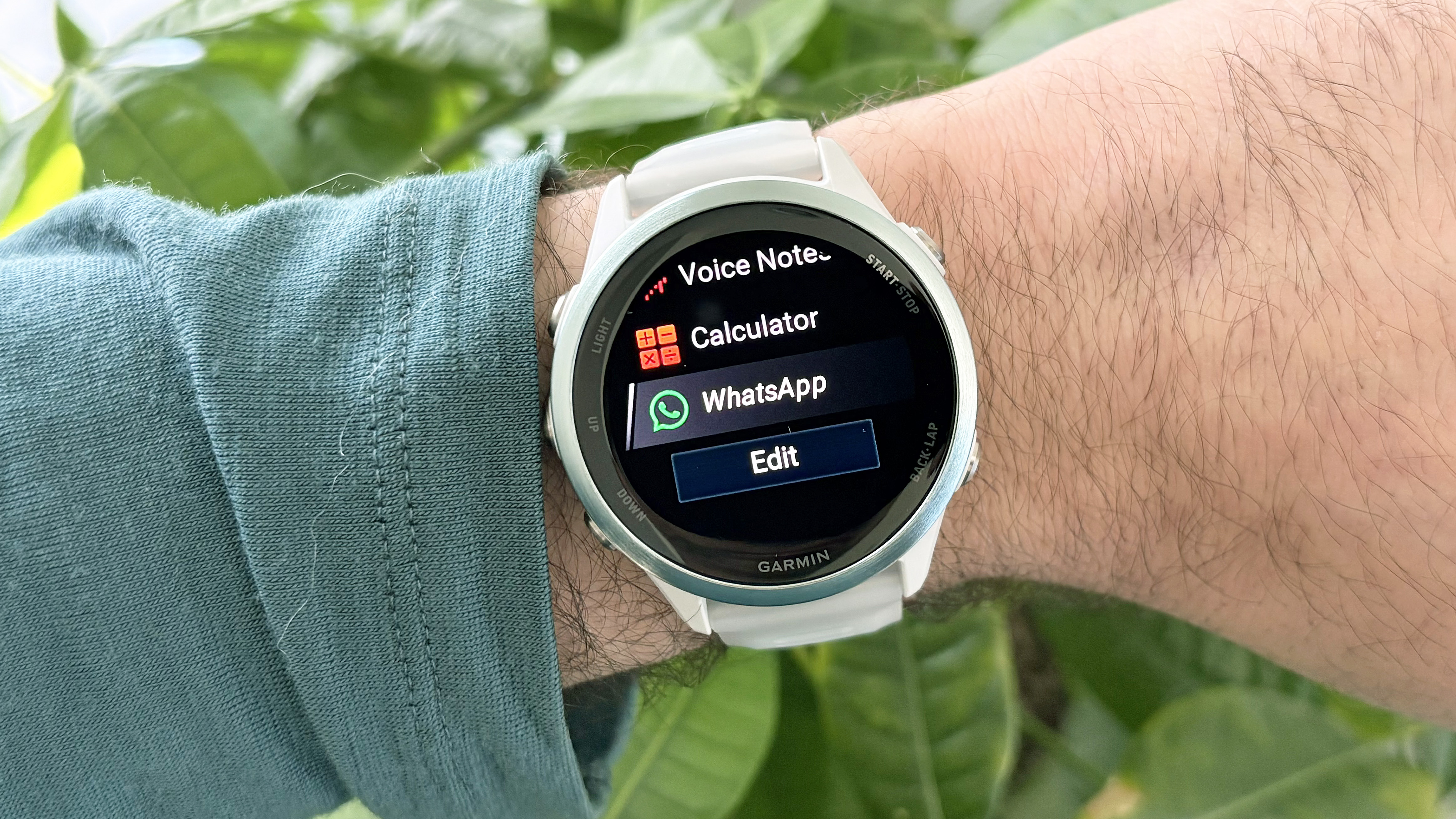
The following Garmin smartwatch models now support WhatsApp, accessible via Garmin’s Connect IQ Store.
These are all relatively recent models, with many of them bordering on the pricey side. However, the $399 Garmin Vivoactive 6 — a device with “nearly everything I want in a smartwatch,” as noted in our Vivoactive 6 review — also makes the cut, which is nice to see.
How to get WhatsApp on your Garmin smartwatch
(Image credit: Dan Bracaglia/Tom’s Guide)
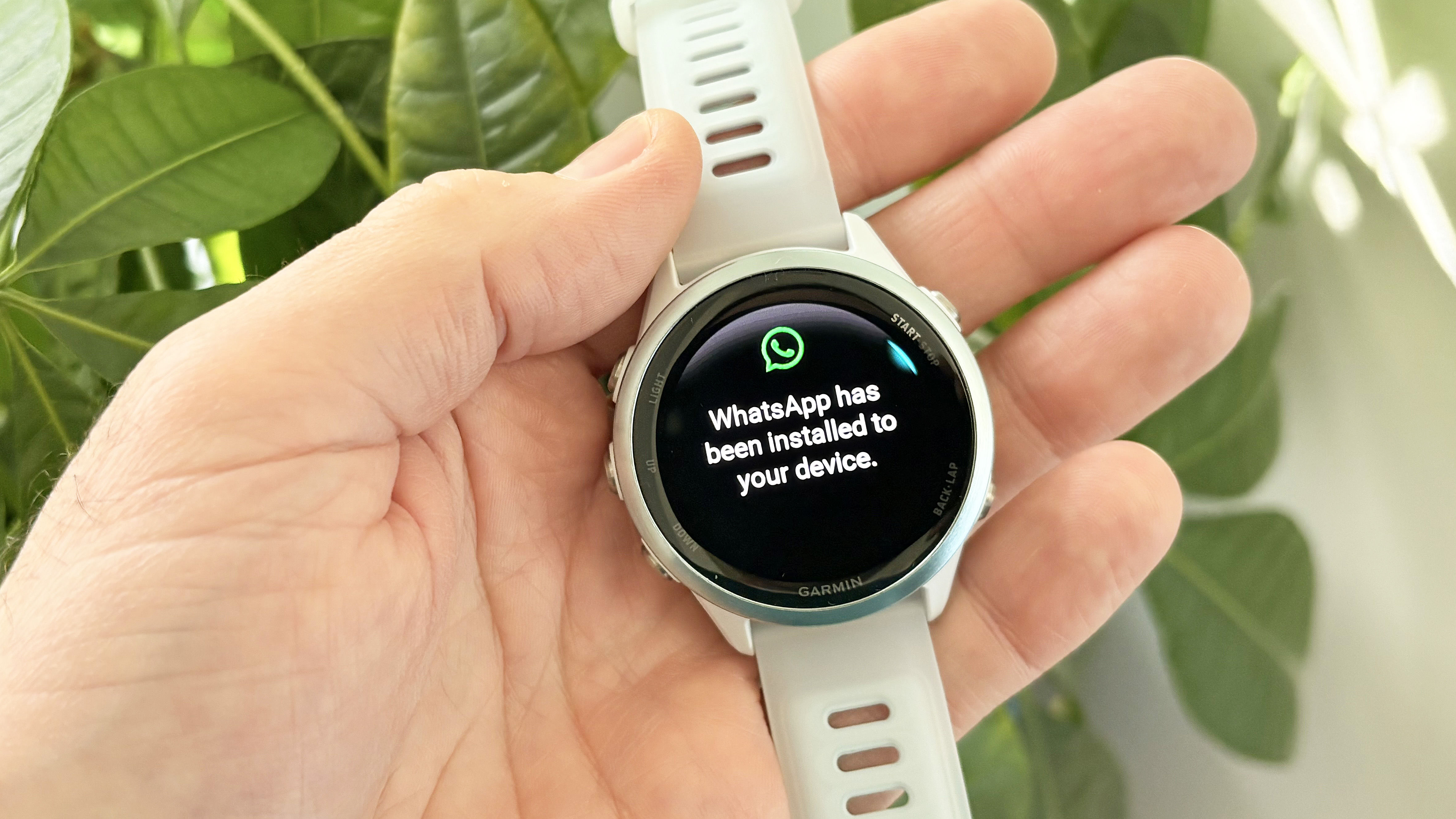
Installing and logging into your WhatsApp account via your Garmin watch is a fairly straightforward affair that took me roughly five minutes on my Garmin Forerunner 570. Start by downloading the Garmin Connect IQ Store app to your paired smartphone. Then search for WhatsApp, confirm installation, and permissions.
After a few minutes, your watch should display a confirmation of successful installation. Next, open WhatsApp on your watch and follow the account login instructions. They consist of scanning a QR code on the watch’s screen with your smartphone camera, confirming the linked device, and that’s basically it.
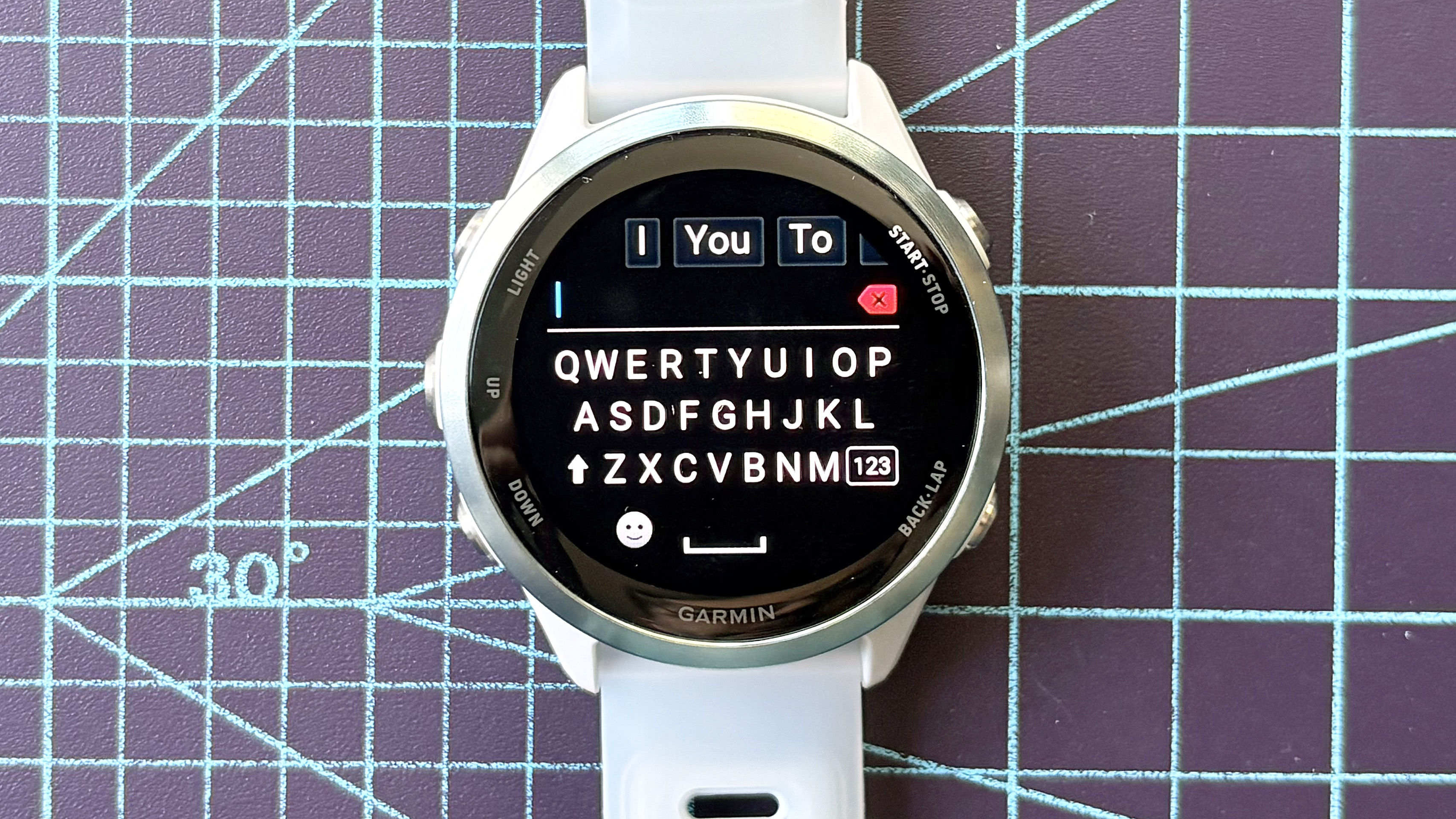
You can now view your recent WhatsApp chats on your Garmin and even reply using either an on-screen keyboard with predictive word and phrase completion or via one of Garmin’s basic smart replies, which include phrases like “thanks” and “See you later.”
Oh, and the integration also supports emojis.
WhatsApp limitations
(Image credit: Dan Bracaglia/Tom’s Guide)
You can only view your ten most recent conversations using WhatsApp on a Garmin watch. The tiny keyboard is also a little clunky to use; however, the predictive text and phrase suggestions are darn helpful.
What to read next
One other notable limitation of WhatsApp integration on Garmin watches: you can’t start a new message from scratch. To do that, you’ll need to pull out your smartphone.
Garmin WhatsApp Integration Outlook
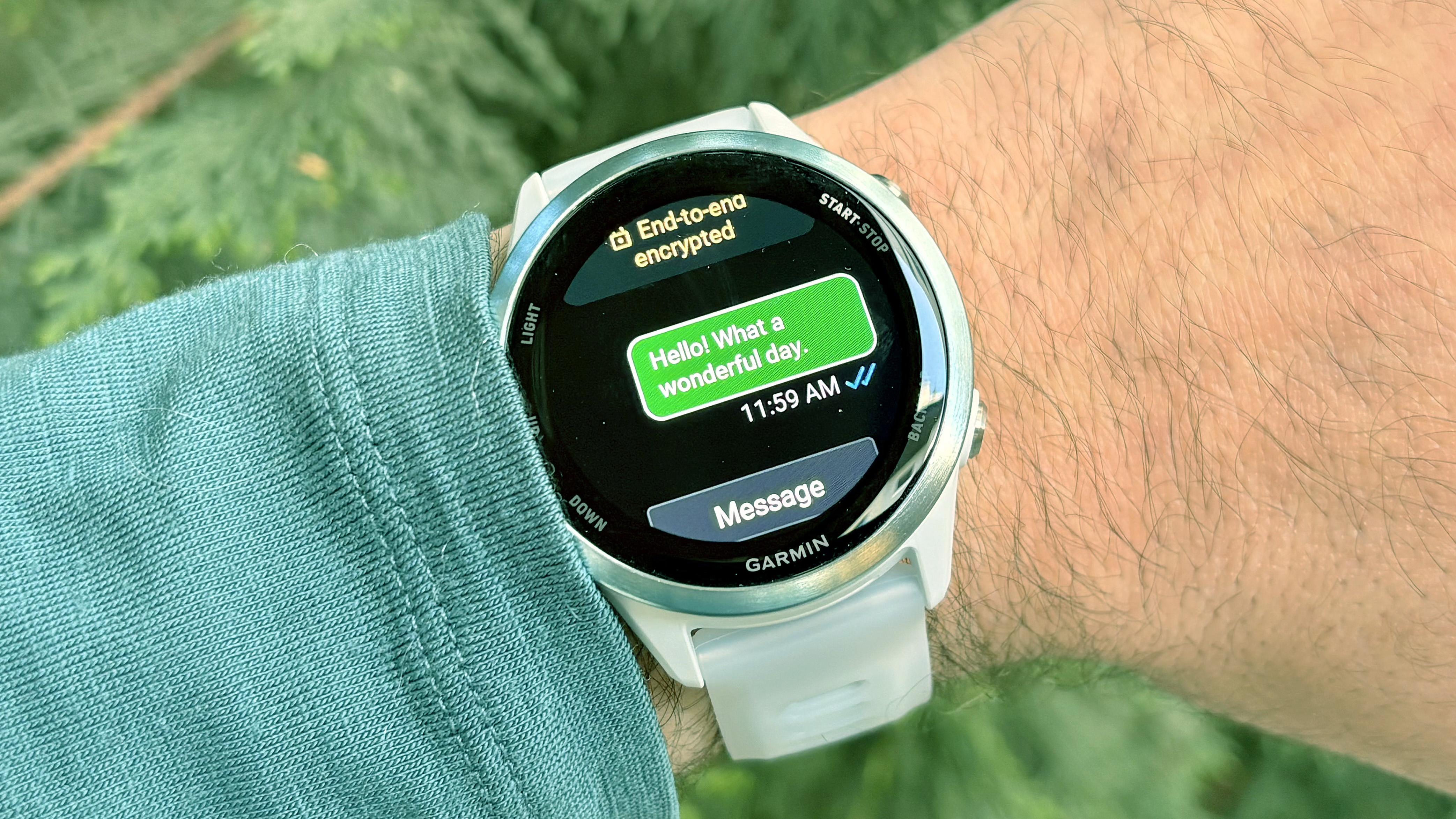
(Image credit: Dan Bracaglia/Tom’s Guide)
While support for iMessages would be the bee’s knees, integration of WhatsApp into a whole bunch of popular Garmin models is definitely a big step forward in Garmin’s quest to match the smart features of the best Apple Watch models and the best Android smartwatches.
That said, I’d like to see the brand bring this functionality to more modestly-priced models, not just the best Garmins, including the entry-level Garmin Forerunner 165, the Forerunner 265, and even the rugged Garmin Instinct 3.
What are your thoughts? Will you be using WhatsApp on your Garmin going forward, assuming your watch is supported? Let me know your thoughts in the comments below.
Follow Tom’s Guide on Google News and add us as a preferred source to get our up-to-date news, analysis, and reviews in your feeds.
More from Tom’s Guide