
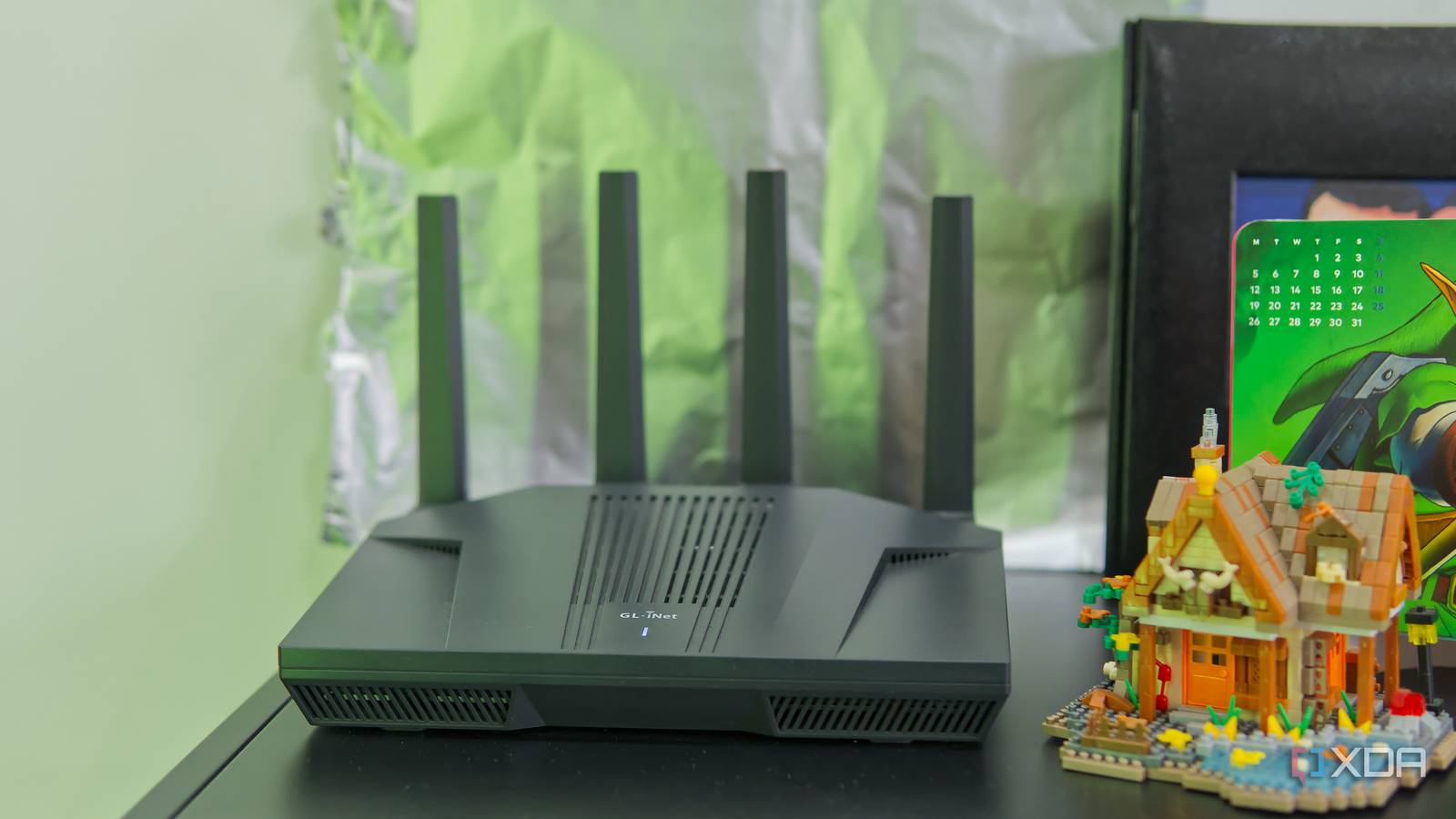
Everyone loves faster internet speeds, and sometimes, it can lead us to try some fascinating tricks that may or may not have any basis in reality. One I’ve been hearing about recently is the idea that putting aluminum foil behind your router can improve your internet speeds, and of course, I needed to put this to the test.
The results were frankly surprising. I didn’t really think it could make a noticeable difference, but lo and behold, my internet speeds actually improved somewhat. Is it enough to keep an ugly sheet of aluminum behind my router at all times? Probably not, but I can see why someone might be willing to do it.
The baseline experience
My internet is fairly solid already
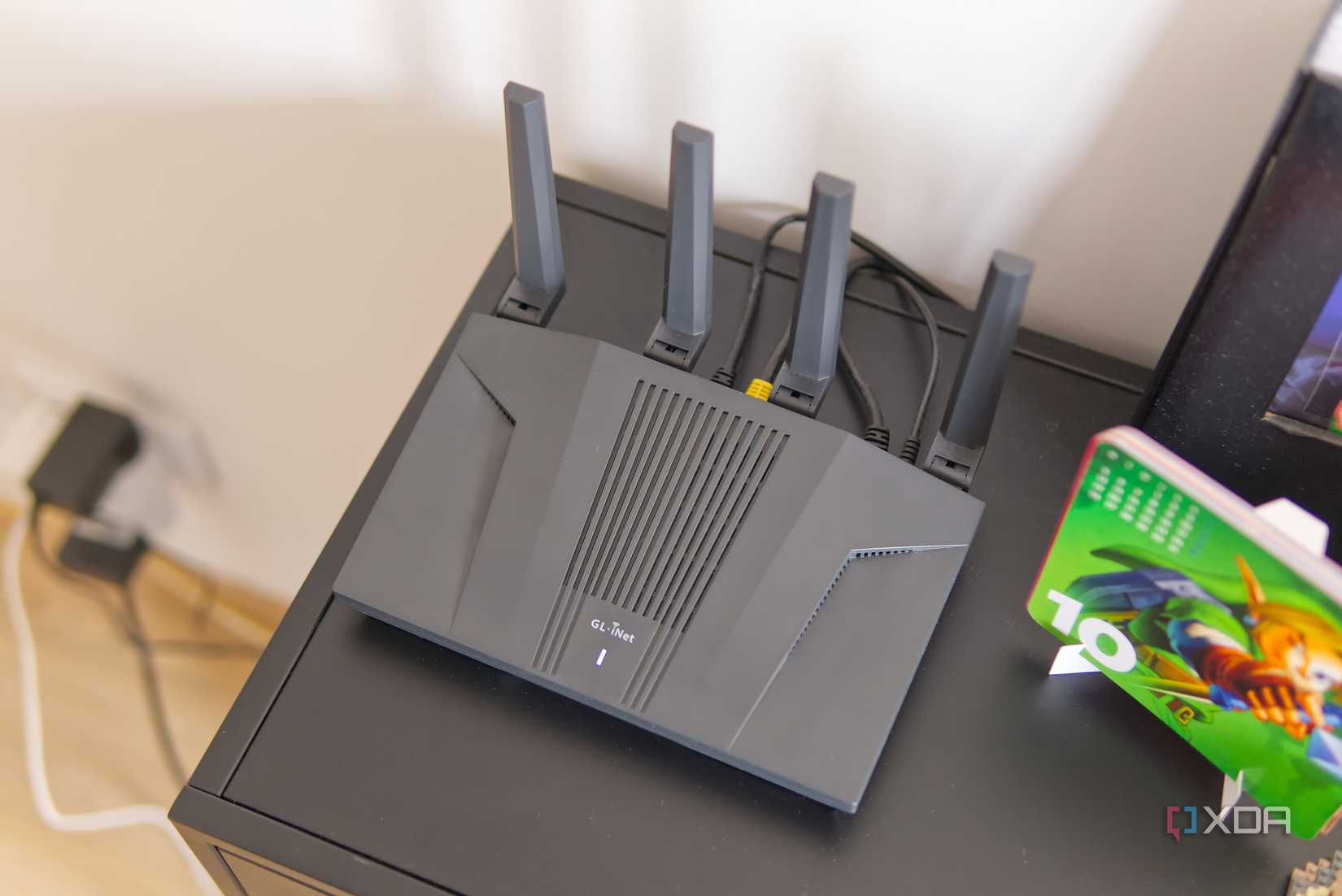
Before going any further, I had to go ahead and test what my internet connection is like without any trickery. The router I’m working with is the GL.iNet Flint 2, a Wi-Fi 6 router with up to 6000Mbps of bandwidth in total, and my internet plan promises speeds up to 1Gbps. I decided to run speed tests on three devices in different rooms, because I also wanted to see if there’s a particular impact on more far-off devices.
For this first test, I ran a fairly basic speed test on fast.com. Here’s how each device compared:
Run 1
Run 2
Run 3
Average
Device 1
Download: 290Mbps
Upload: 580Mbps
Unloaded ping: 12ms
Download: 320Mbps
Upload: 590Mbps
Unloaded ping: 11ms
Download: 350Mbps
Upload: 570Mbps
Unloaded ping: 10ms
Download: 320Mbps
Upload: 580Mbps
Unloaded ping: 11ms
Device 2
Download: 100Mbps
Upload: 330Mbps
Unloaded ping: 12ms
Download: 260Mbps
Upload: 280Mbps
Unloaded ping: 12ms
Download: 240Mbps
Upload: 370Mbps
Unloaded ping: 11ms
Download: 200Mbps
Upload: 326Mbps
Unloaded ping: 11.66ms
Device 3
Download: 680Mbps
Upload: 840Mbps
Unloaded ping: 9ms
Download: 650Mbps
Upload: 820Mbps
Unloaded ping: 9ms
Download: 700Mbps
Upload: 880Mbps
Unloaded ping: 9ms
Download: 676.67Mbps
Upload: 846.67Mbps
Unloaded ping: 9ms
Naturally, I also know that this is influenced by the speed of the internet itself and any other factors that can affect those results, so I tried another test. Using iperf3, I tested the connection between two of my laptops on the network, both sitting next to each other and in the same room as the router.
Here’s how those results came out:
Run 1
Run 2
Run 3
Average
Sender: 657Mbps
Receiver: 655Mbps
Sender: 694Mbps
Receiver: 691Mbps
Sender: 589Mbps
Receiver: 586Mbps
Sender: 646.67Mbps
Receiver: 644Mbps
That gives us a much clearer baseline across different types of tests. I actually ran one more test, but I’ll talk about that in a dedicated section.
Related
I finally made my Wi-Fi snappier by changing the most ignored setting on my router
Your router’s transmit power isn’t supposed to be at the maximum level
Does aluminum foil actually help?
A conspiracy theory put to the test
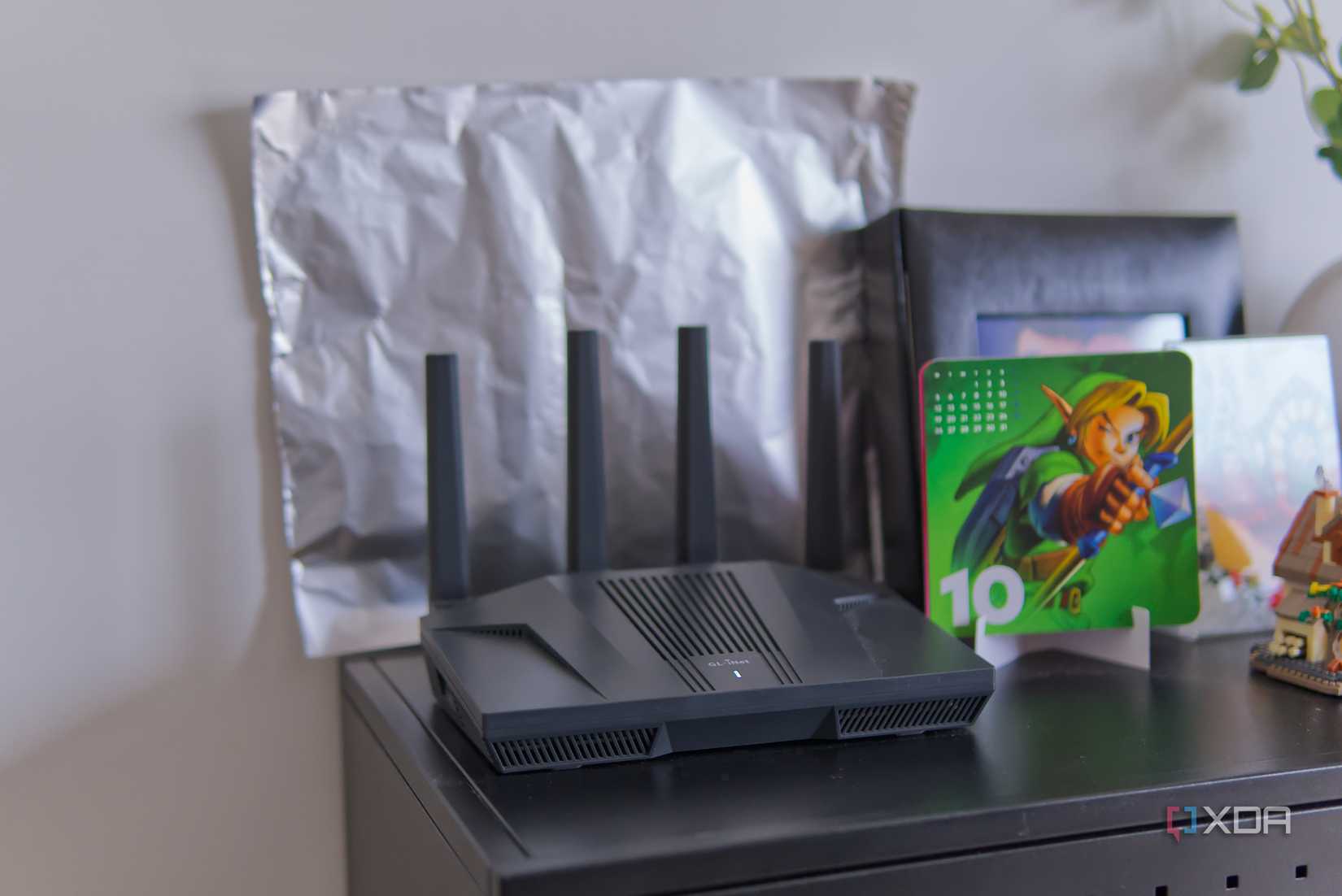
With the base experience clearly defined, it was time to test the theory. I grabbed a piece of aluminum foil and cut just enough to cover the area directly behind the router. Maybe a bigger piece could bring bigger benefits, but this seemed to make the most sense — or as much sense as putting a sheet of aluminum foil behind your router can make, at least.
To my surprise, the speed test results actually improved across the board. Following the same methodology, here are the speed test results for each device and run, this time with the aluminum foil involved:
Run 1
Run 2
Run 3
Average
Device 1
Download: 330Mbps Upload: 410Mbps Unloaded ping: 11ms
Download: 180Mbps Upload: 580Mbps Unloaded ping: 9ms
Download: 76Mbps Upload: 590Mbps Unloaded ping: 9ms
Download: 195.33Mbps Upload: 526.67Mbps Unloaded ping: 9.67ms
Device 2
Download: 140Mbps Upload: 290Mbps Unloaded ping: 11ms
Download: 130Mbps Upload: 310Mbps Unloaded ping: 12ms
Download: 150Mbps Upload: 310Mbps Unloaded ping: 11ms
Download: 140Mbps Upload: 296.67Mbps Unloaded ping: 11.33ms
Device 3
Download: 740Mbps Upload: 870Mbps Unloaded ping: 10ms
Download: 690Mbps Upload: 840Mbps Unloaded ping: 10ms
Download: 690Mbps Upload: 860Mbps Unloaded ping: 10ms
Download: 706.67Mbps Upload: 856.67Mbps Unloaded ping: 10ms
The results here are quite mixed, but some context may help here. Devices 1 and 2 were tested in a room much further from the router, and interestingly, quality seemed to drop overall. Some tests could also be flukes, which is bound to happen when you’re testing a connection to the larger internet. Device 3, however, did show a fairly consistent improvement in bandwidth, and it was sitting very close to the router. The reflective effect of the aluminum could be more beneficial here.
Of course, to verify, I also needed to test a local connection that isn’t dependent on the internet. I once again ran iperf3, connecting two laptops sitting just a few feet away from the router.
Run 1
Run 2
Run 3
Average
Sender: 737Mbps Receiver: 736Mbps
Sender: 695Mbps Receiver: 693Mbps
Sender: 702Mbps Receiver: 699Mbps
Sender: 711.33Mbps Receiver: 709.33Mbps
In this case, the benefits are much more apparent, with more consistent and faster results. That can be an encouraging sign, though when you consider the mixed results in the tests above, it gets harder to justify. There may be some improvements to the local network, but if the result is barely noticeable when you’re actually using the internet, does that even matter?
Related
I let my router auto-pick my Wi-Fi channel for a month, and it chose badly almost every time
Auto-channel selection is a one-time guess.
What happens behind the router?
This may be a bad idea for some setups
The whole idea that aluminum foil can improve your connection is that the metal sheet blocks the Wi-Fi waves from going in that direction, where presumably none of your devices are anyway, and thus boosts the bandwidth in the other direction. But what if you do try to access the internet from behind your router?
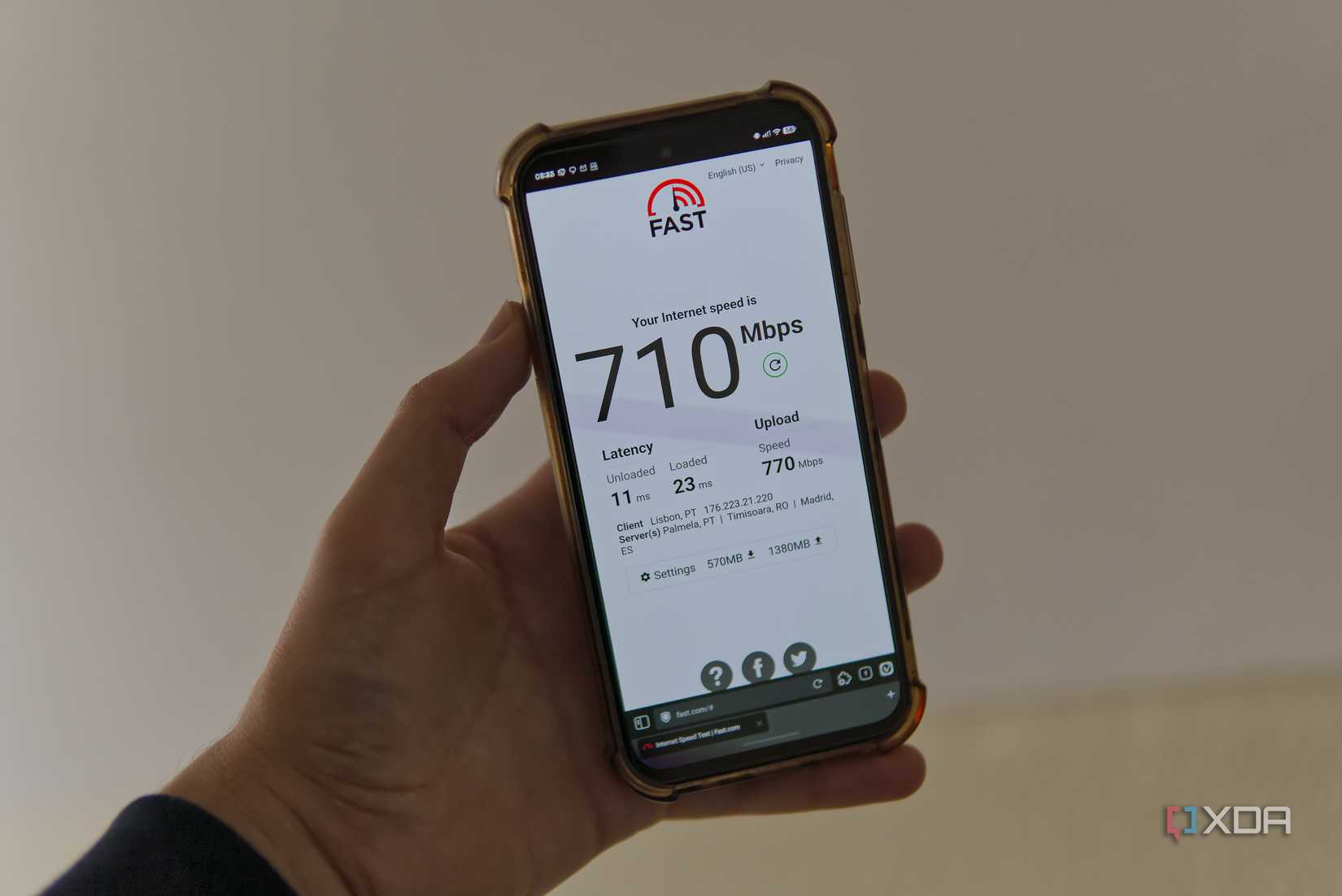
In my case, the back of my router is facing the stairwell in my apartment building, where I sometimes use the internet on my phone. So I was curious to see if it would get significantly worse while I’m trying this trick. I’m using a 5GHz network, too, so the impact, in theory, should be even bigger.
Here’s what my phone measured when using fast.com before I installed the aluminum foil sheet:
Run 1
Run 2
Run 3
Average
Download: 710Mbps Upload: 770Mbps Unloaded ping: 11ms
Download: 730Mbps Upload: 880Mbps Unloaded ping: 11ms
Download: 760Mbps Upload: 760Mbps Unloaded ping: 12ms
Download: 733.33Mbps Upload: 803.33Mbps Unloaded ping: 11.33ms
Now, here’s what it looks like with the aluminum foil in place:
Run 1
Run 2
Run 3
Average
Download: 700Mbps Upload: 780Mbps Unloaded ping: 12ms
Download: 710Mbps Upload: 810Mbps Unloaded ping: 13ms
Download: 740Mbps Upload: 800Mbps Unloaded ping: 16ms
Download: 716.67Mbps Upload: 796.67Mbps Unloaded ping: 13.67ms
As with the rest of the tests, it’s not a huge difference, but there does seem to be a small step down in speed and in increase in latency. It goes to show that a setup like this isn’t going to be ideal for everyone. Maybe your router is next to a wall in an apartment facing the street 10 stories up — in that case, there’s probably no major downside to putting aluminum behind it. But if your router is, at all, in a central position relative to your connected devices, this is not the best idea.
Related
Router settings affect local connections as well as your internet.
I’m surprised it works at all
Using aluminum to boost your router signal was always going to be a dubious strategy, so after testing this, I’m mostly surprised it had a positive effect at all, even if the larger picture is not exactly convincing. I’m not willing to make my network potentially worse for some devices or in specific locations, but if you’re reading this and you think there are improvements here worth checking out, feel free to give it a try for yourself.