
Updated July 6, 2026 01:01PM
Pros
50MP 1-inch sensor improves low-light performance
8K30 and 4K120 Open Gate recording allows flexible aspect ratio cropping
10-bit color profile provides wide latitude for exposure corrections in post-production
High bit-rate modes (up to 240Mbps) minimize data compression to retain sharp detail in fast-moving textures like gravel or pavement
960fps burst mode expands slow-motion capabilities
Magnetic latch compatibility alongside standard mounting fingers
Cons
High $700 price tag compared to traditional action cameras
Larger 1-inch sensor limits the minimum focus distance
On-board audio quality falls short when compared to Insta360
Quick capture button can’t be assigned to still images
GoPro Mission 1 Pro Specs
Price$699.99Weight207 g / 7.3 ozDimensions (W x D x H)78.0 x 27.8 x 50.0 mmImage Sensor1-inch Type CMOS, 50MPProcessorGP3Max Video Resolution8K60 / 4K240 / 1080p960 (Burst)Open Gate Recording8K30 and 4K120Color & Log10-bit color, GP-Log2, HLG HDRAudio4 built-in mics, 32-bit float, Bluetooth & USB-CDisplays2.59-inch touch OLED (rear) / 1.4-inch color LCD (front)BatteryEnduro 2 (2150 mAh)Waterproofing66 ft / 20 m (without housing)MountingIntegrated fingers, 1/4″-20 thread, magnetic latchStorageMicroSD (No internal storage)More infoGoPro website
The GoPro Mission 1 Pro is the latest release from the company that defined the action camera segment, and it carries a heavy weight on its shoulders. By all accounts, GoPro is struggling as a company, with DJI and Insta360 routinely outflanking GoPro with products that better speak to everyday consumers. Despite that narrative, GoPro has always held one specific advantage, and the Mission 1 Pro is leaning entirely into it: the professional workflow.
When you look at professional filmmakers—no matter the level—when they reach for an action camera, it is almost universally a GoPro. That remains true even here at Velo in our own video department. In reality, there might not be a purely technical reason for that dominance anymore, but the production space holds onto tradition. Workflows get built, intricacies are learned, and professionals prioritize getting the job done over sparkly new features. Once you trust a brand to deliver expected results, you don’t experiment when big budgets are on the line. You just hand the new guy the tool that works and focus on the storytelling.
 (Photo: Josh Ross/Velo)
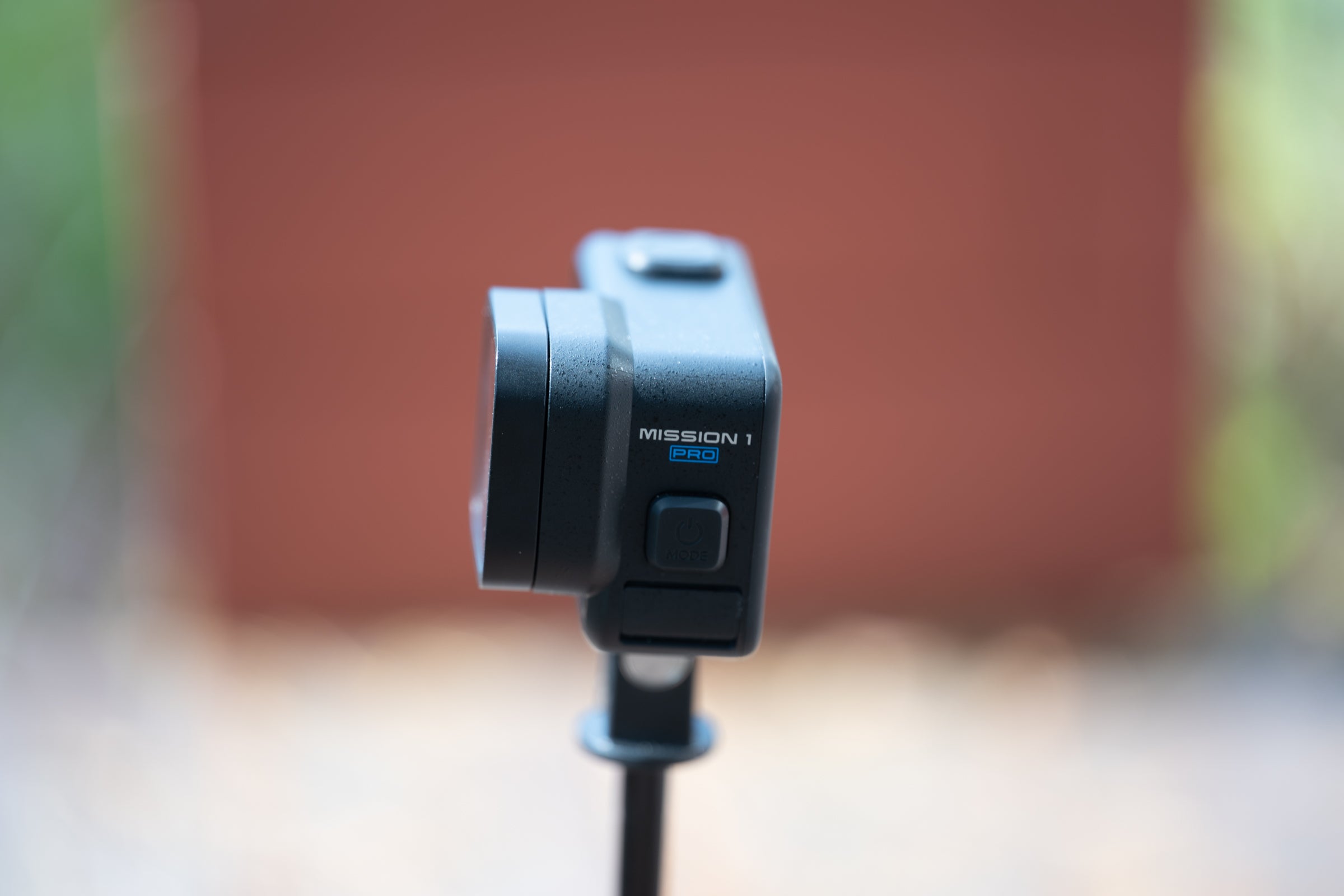
With the Mission 1 lineup, GoPro is leveraging that exact professional cache. At the very top sits the Mission 1 Pro ILS, a highly niche model featuring a Micro Four Thirds interchangeable lens mount. It isn’t remotely meant for everyday consumers and likely won’t sell in massive numbers, but its existence casts a halo over the entire lineup. The middle-child Mission 1 Pro—the camera I’ve been testing—delivers the exact same high-end features and 1-inch sensor, just with a fixed lens. Meanwhile, the base-model Mission 1 scales things back by capping Open Gate recording at 4K and reducing the maximum frame rates. By anchoring the series with a true cinema tool in the ILS, GoPro makes the lower-priced models feel special in a way they wouldn’t otherwise.
Despite all that inherited prestige, the Mission 1 Pro still has to hold its own in the hands of consumers. I think it absolutely does. Let’s talk about why.
 4:3 Open Gate recording in 8k is a real game changer. (Photo: Josh Ross/Velo)
What I like about the GoPro Mission 1 Pro
Image quality. That’s it. That is the hook. You want this camera because the image quality is so good, and that starts with the sensor.
For the Mission 1 lineup, GoPro came to market with a camera body wrapped around a new sensor. That new sensor is a 50MP, 1-inch type CMOS chip, and some people won’t care. The difference is subtle, and I see constant discussions about why modern still cameras don’t need a larger sensor. I am here to tell you that there is a difference, even if you don’t happen to notice it initially.
Moving to a 1-inch sensor changes what you can pull out of an action camera. Physically larger sensors have an advantage in resolving power. While other action cameras in this segment—like the Insta360 Ace Pro 2—also boast 8K resolution, they do so using smaller 1/1.3-inch sensors. That physical size difference is important.
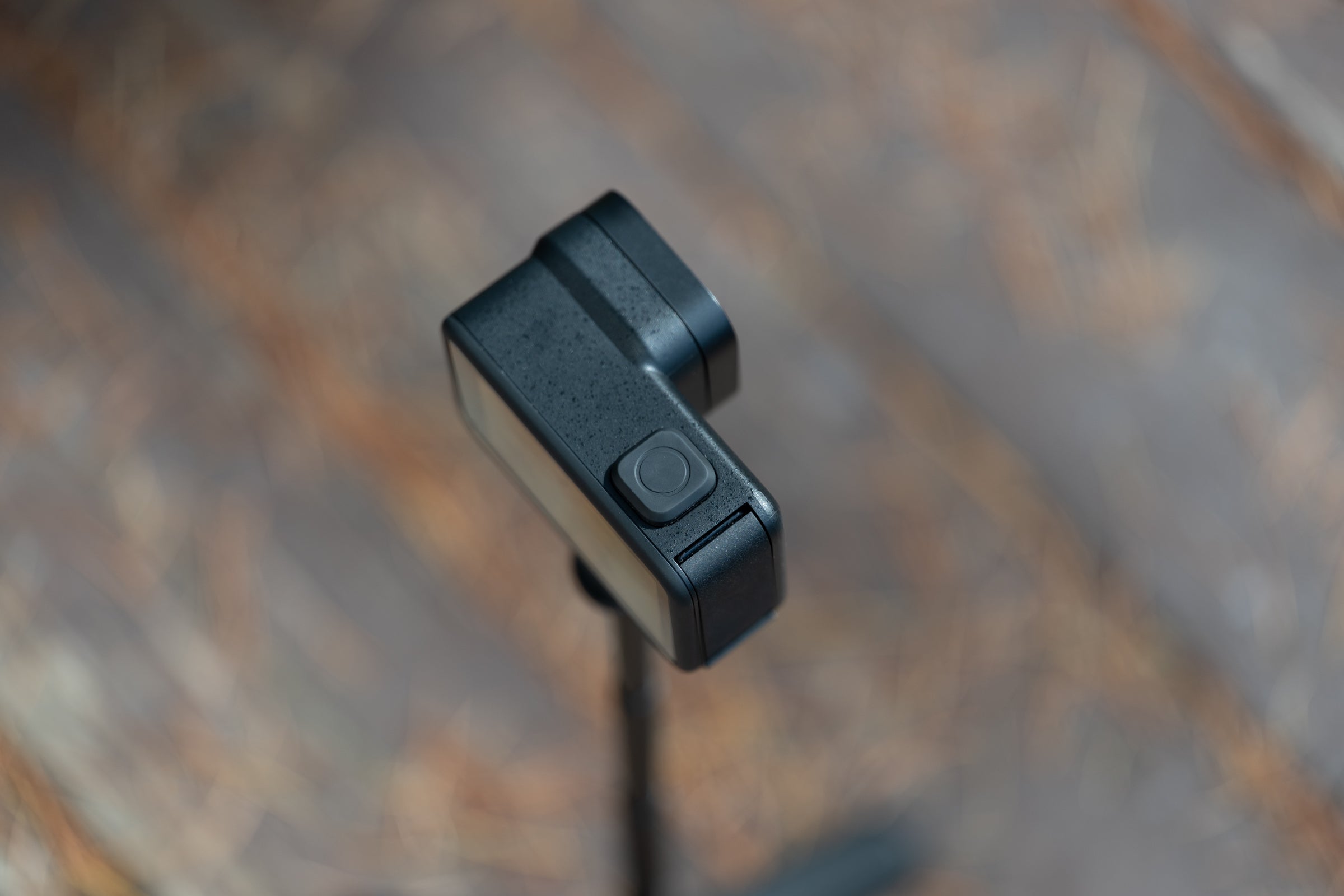 One of the best things about GoPro cameras in general is a large quick capture button with an optional loud beep to signify the beginning off recording. (Photo: Josh Ross/Velo)
The Mission 1 Pro sensor has a larger surface area. That means it gathers more light and produces a cleaner signal. It doesn’t have to rely on software-based AI scrubbing to hide noise, which is where smaller sensors often start to fall apart.
This is most apparent when you talk about reframing. You can shoot the entire wide-angle perspective and comfortably punch in during your edit, giving you the flexibility of multiple focal lengths from a single mount point. When you “punch in” on a smaller sensor, you’re magnifying noise and processing artifacts. On the Mission 1 Pro, you’re magnifying data. When you choose to crop for a tighter composition, you retain the texture and sharpness that smaller sensors lose to over-processing.
Beyond just the sensor size, the hardware leverages a Quad Bayer design that drops those 50 megapixels down to a 12MP image in certain 4K modes. This creates larger individual pixels that capture even more light. In turn, that avoids the over-processed look that is typical of action cameras. Coupled with the new GP3 processor, this hardware allows for a massive amount of data capture. You get true 8K recording and the addition of Open Gate capture at 8K30 and 4K120.
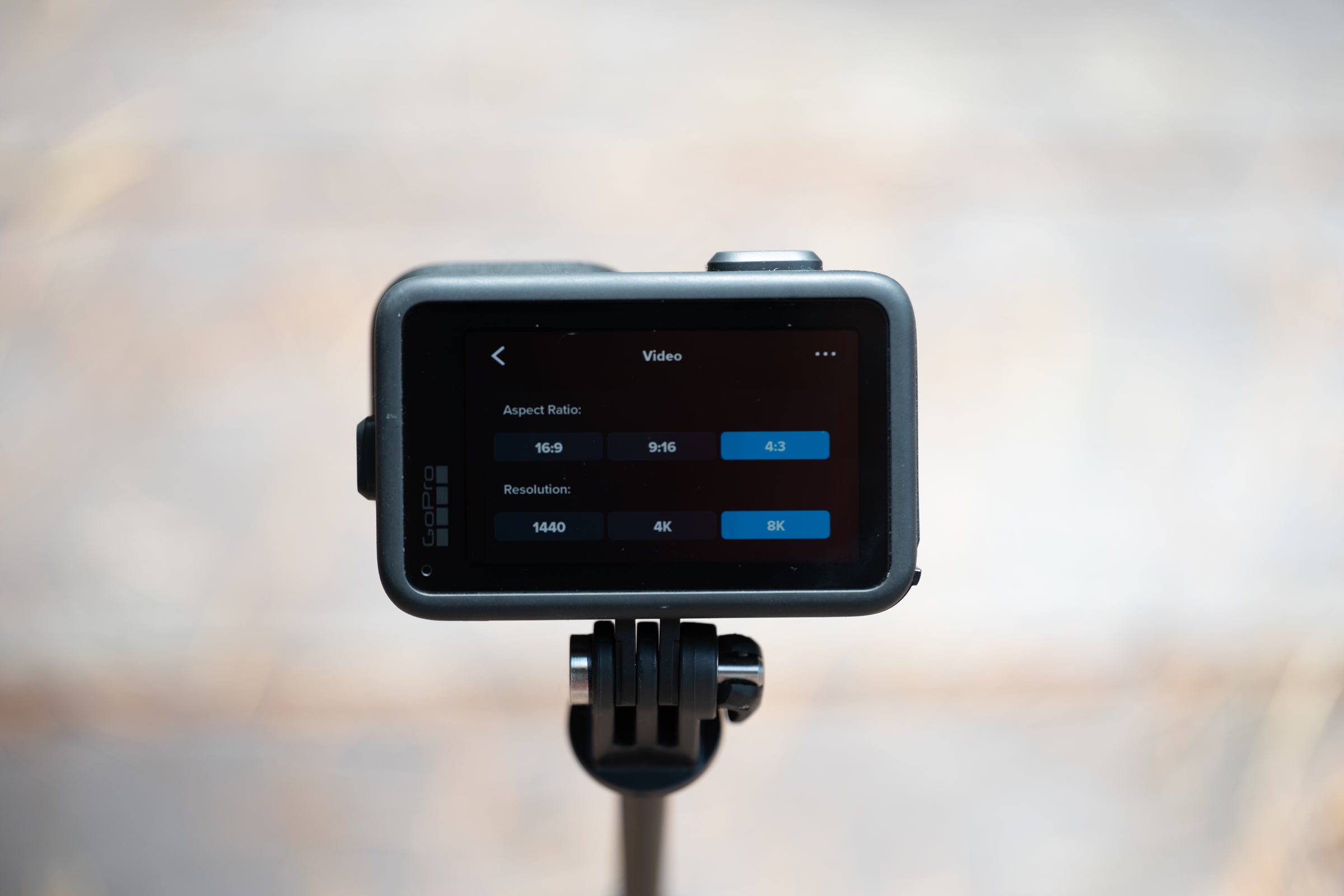
Speaking of Open Gate, it means the camera records the entire 4:3 area of the sensor and that means flexibility. You can shoot a single clip and comfortably reframe it for a widescreen YouTube edit or a vertical social media post without sacrificing resolution or detail.
It’s not only about having the full aspect ratio, though. The image quality argument extends to flexibility in post-production. I’ve already discussed that above in a technical sense, but practically, combining 8K Open Gate, a 10-bit color profile, and a high bit-rate up to 240Mbps lets you shift exposure and framing in a way that absolutely blows other cameras away.
When I ride and hold a camera it is not a controlled environment. My head is moving around in relation to my arm and the camera and camera metering systems are less than ideal even in the best of circumstances. The reason I love using the Insta360 X5 is that I don’t really have to frame myself perfectly. Now, I can get that same flexibility with a flat lens profile. I shoot 8K Open Gate and just reposition myself in the frame however I think looks best. I can even animate those shifts in Premiere, just like I would with a 360 camera. On top of that, when the exposure misses the mark, I have the latitude to just fix it. It feels remarkably close to working with still images shot in RAW formats.
This video I shot at Eurobike isn’t flashy and not everything is perfect. Instead it is a clear example of how the GoPro Mission 1 Pro allows me to create better quality in challenging situations. The B-roll, intro, and outro are shot on a Nikon Z6III and the talking head sections where I am holding the camera are shot with the GoPro.
What I don’t like
As much as I love the video quality, what I do not love is the audio quality. It’s not the hardware’s fault, though. The Mission 1 Pro actually records in 32-bit float, which is the gold standard because it makes it essentially impossible to clip the audio. Once enabled in the menu, each video file gets an accompanying audio file recorded in that mode. That is great on paper, but it doesn’t solve the specific issue for my workflow—or for anyone who needs to talk to the camera while riding a bike.
Wind noise is enough of an issue that it doesn’t matter if the audio clips; all you hear is wind hitting the mic. A little wind noise can actually be a good thing for conveying speed, but if I hold the camera in my hand to frame my face, the wind noise just takes over.
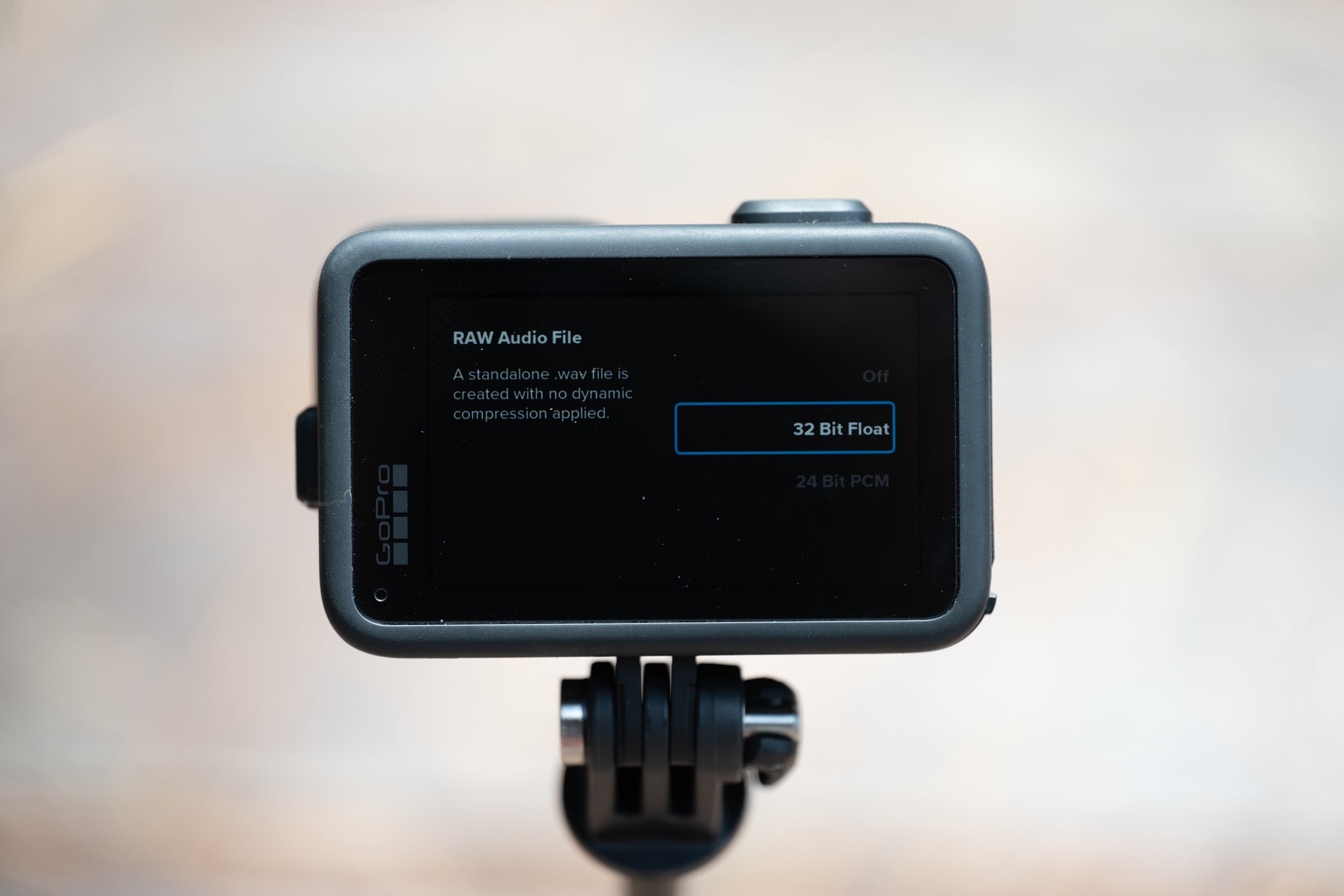 32-bit float is an incredible feature but without wind protection it does not help as much as it could. (Photo: Josh Ross/Velo)
Insta360 is the king of solving this problem. The brand built a physical foam wind diffuser directly into the camera. It’s a simple, genius solution that allows the noise reduction software to do less heavy lifting, leaving a natural-sounding voice.
GoPro hasn’t solved this. The Mission 1 Pro relies entirely on noise reduction software, and it’s being asked to do more than it is capable of. It leaves your voice sounding robotic, and even running the file through Adobe Podcast doesn’t fix it as well as I want it to.
There are workarounds. The simplest will likely be the eventual release of the media mod. I haven’t tested it yet, but my experience with past versions suggests it will solve this. For now, you will need to use an external mic with a wind muff. GoPro is launching its own wireless option alongside the camera for $160, but unfortunately, it maxes out at 24-bit recording.
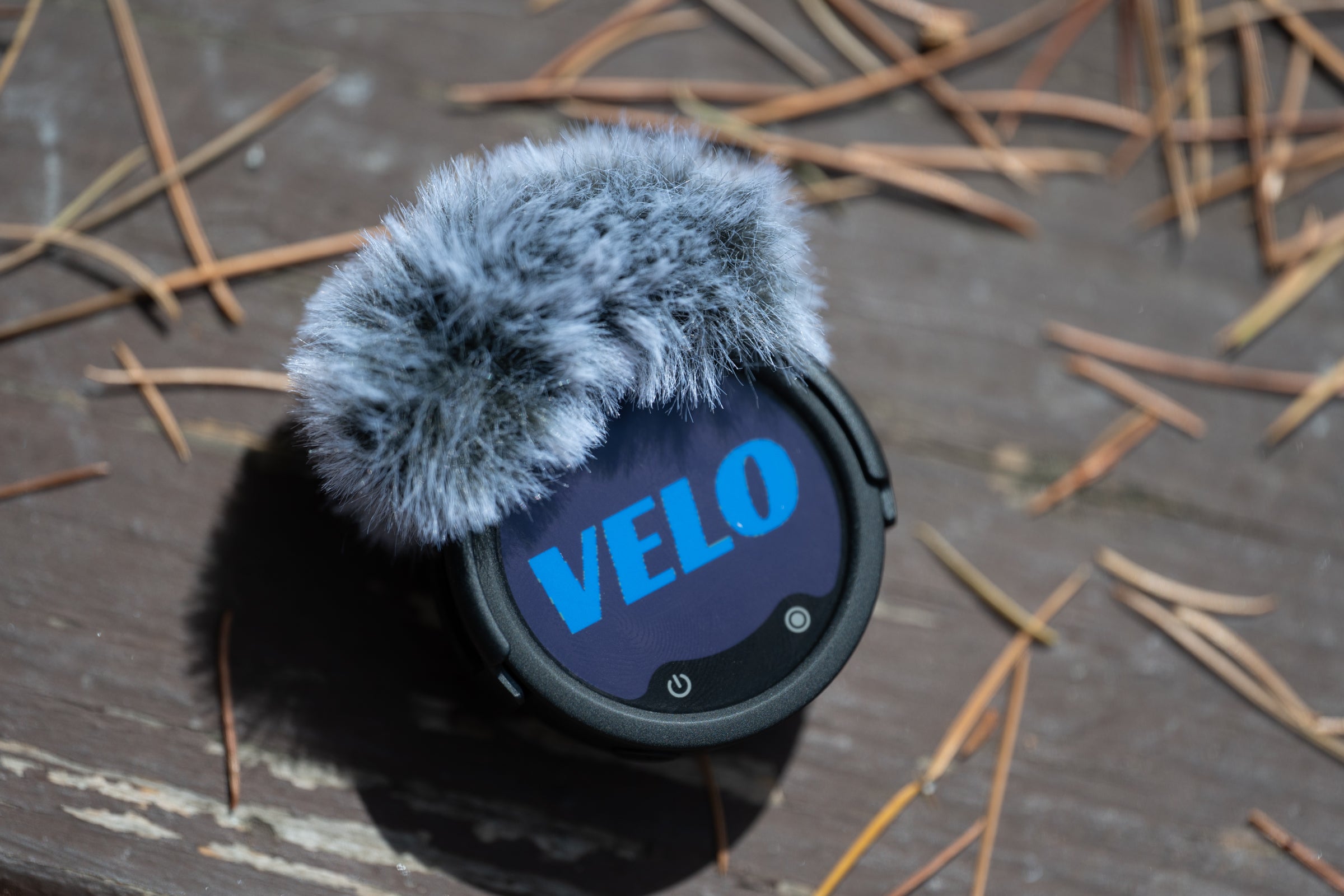 32-bit float recording on an external mic with a wind muff solves any sound issues. (Photo: Josh Ross/Velo)
I’ve been using the Insta360 Mic Pro instead. You pay more for the Insta360 solution—it runs $170 for just a single transmitter—but it offers internal 32-bit float recording and superb noise reduction. The catch is that using the Insta360 mic, or a DJI mic, in 32-bit float means you can’t just connect it directly to the Mission 1 Pro. To be clear, this isn’t unique to GoPro. It is a limitation of current technology, but the only reason it comes up is that the internal mic system needs help. That means you have to record two separate audio sources, sync them, and pick the better track in post. It adds complexity to the workflow.
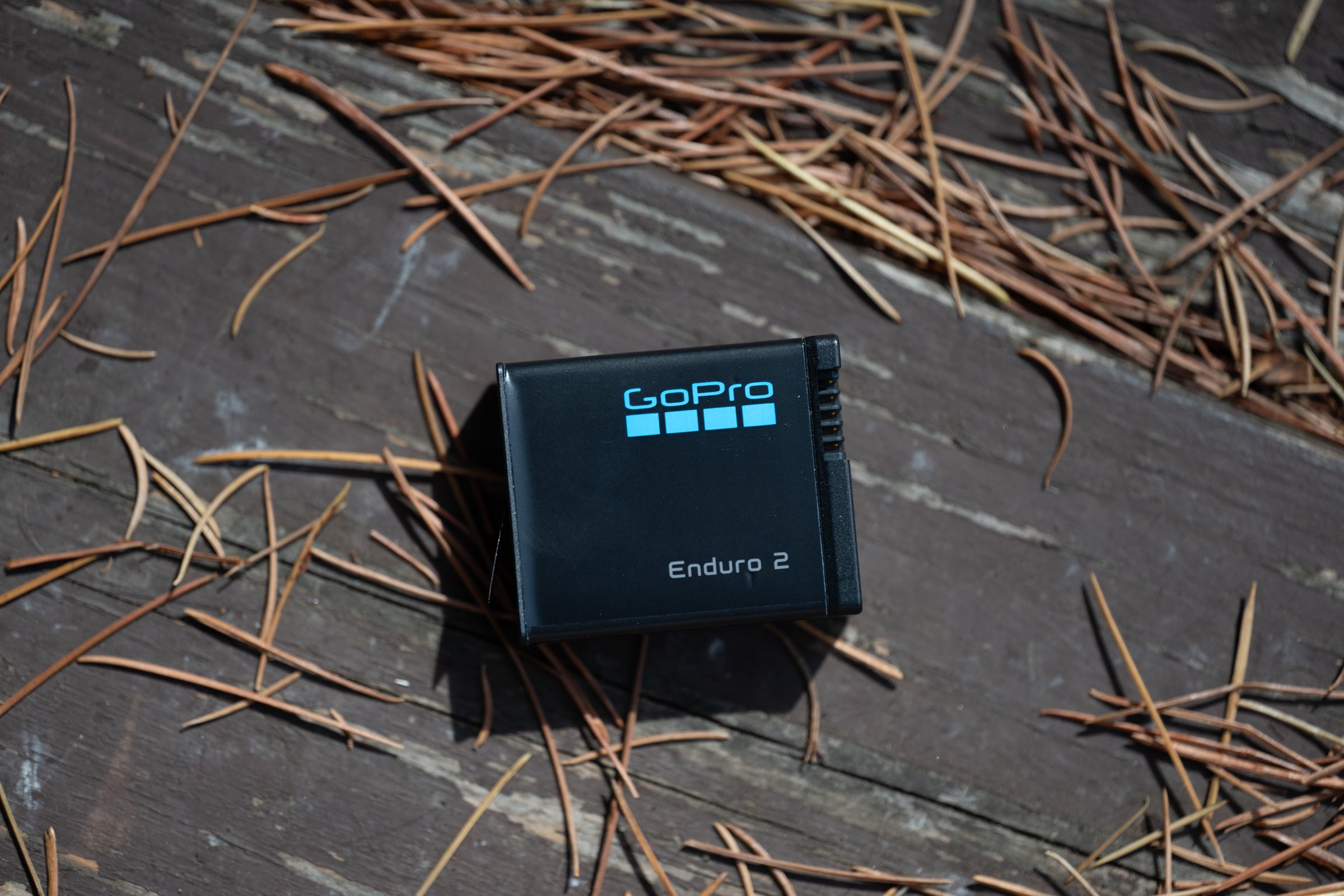 The Mission 1 lineup introduced a new battery that is backwards compatible. (Photo: Josh Ross/Velo)
Liveability
The reality of both what I like and what I don’t like is that this camera adds both complexity and storage demands. I used the Mission 1 Pro to shoot some YouTube Shorts as a way to test it, but regardless of the final format, the file sizes are massive. A single, one-minute final video required over 5GB of files, which isn’t surprising. Shooting 8K 240Mbps video—even at the 24fps frame rate I generally use—generates a lot of data.
On top of that, there’s the complexity of handling those files. I’m not editing this footage on my phone and exporting a clip before I get home. This is the kind of system where you have to sit down at a computer—and one with good specs, because even my 16-inch MacBook Pro struggles—and spend serious time in editing software.
My workflow involves taking the audio from the external mic and running it through Adobe Podcast to dial in just the right amount of background noise. I’ve found that I then have to mix back in the voiceless audio from the camera to add extra ambiance.
The visual workflow requires just as much hands-on time. If you want the best quality and the most flexibility in post, that means you are recording in a squarish 4:3 Open Gate. That also means you are never just using the footage as-is; you always have to manually adjust the framing in post-production, whether you are carving out a standard 16:9 widescreen layout or a vertical 9:16 format. From there, I have to pay attention to the color settings to get the 10-bit footage looking perfect. There’s plenty of range in the file to fix exposure, but I do generally have to touch it in post-production.
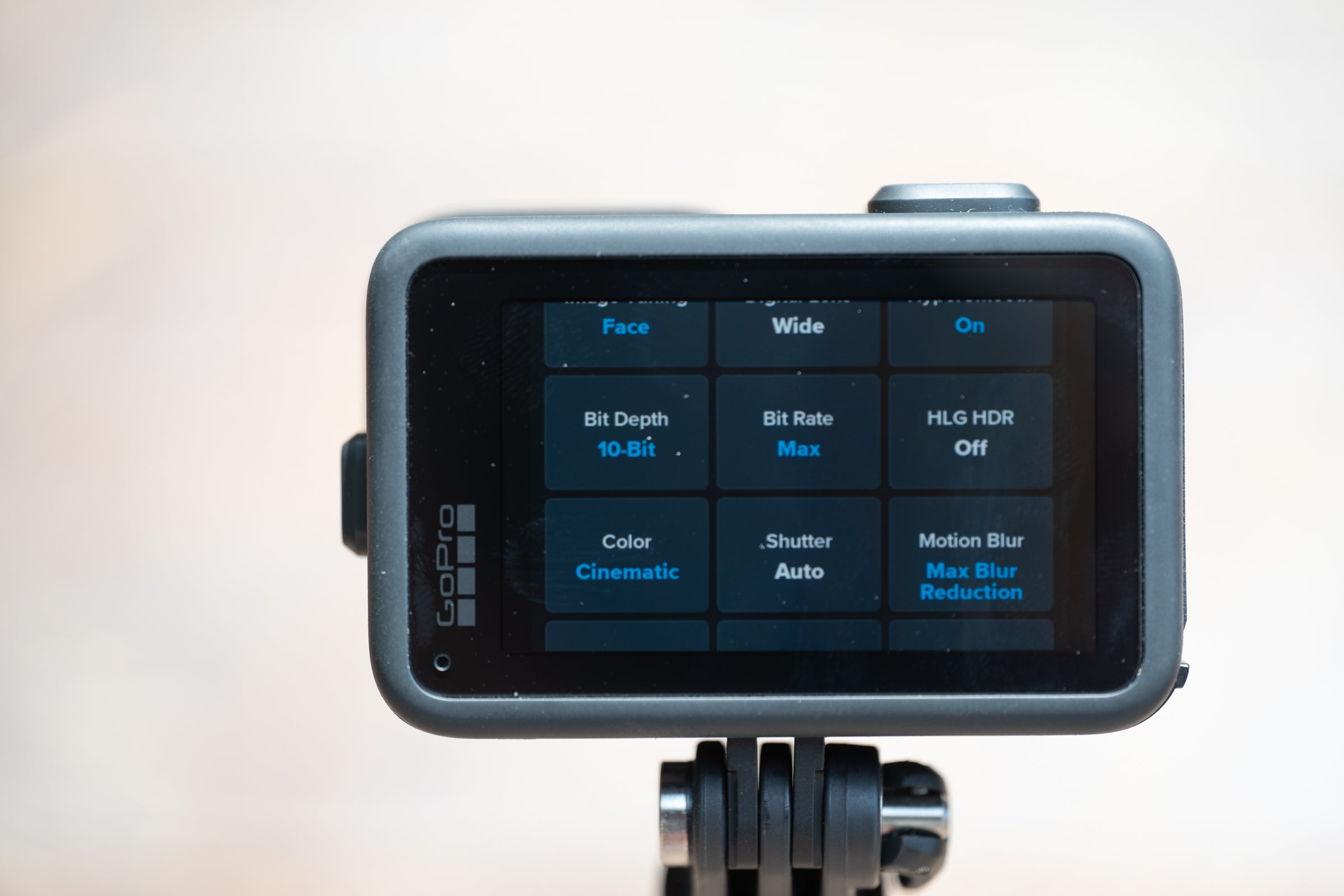 10-bit with a flatter profile is enough for my needs. (Photo: Josh Ross/Velo)
Who is the GoPro Mission 1 Pro for?
The reality is that you could avoid most of the negatives I’ve called out. You could shoot in 16:9 at a lower bitrate, choose not to use 10-bit color, and then ignore the audio entirely and just drop in music. Your files will look fine, and you’d avoid all the post-production. But in doing so, you’d also have bought an expensive camera that isn’t really going to offer substantial benefits compared to the GoPro Hero 13 or various options from Insta360 or DJI. If that is your goal, then this probably isn’t the camera for you.
The point of the GoPro Mission 1 Pro is to create better quality work within a professional workflow. I have stacks of backup drives, I use Adobe Creative Suite on a MacBook Pro, and I feel completely comfortable using a separate mic and doing a little audio mixing. The end result is better quality work than I could otherwise create. The bigger sensor looks better, I have complete control over the audio, and everything is the best I can make it. If that sounds like your setup, then this is the camera for you. Right now, it is the best on the market for creating content within a professional workflow.
One final note: the larger sensor means that the minimum focal distance is longer. I find it is right at the edge of what I can handhold. It works, but I do have to actively try to stretch my arm all the way out.